Developers spend a lot of time at desks and moving between devices. A well-chosen tech gift can make calls easier, tidy a workstation, or add a useful extra to a daily setup.
These 10 ideas cover practical upgrades for home offices, focused work, entertainment, and on-the-go charging. Check the recipient’s current devices and workspace before choosing.
10 Gift Ideas for Developers
FIFINE K669B USB Condenser Microphone
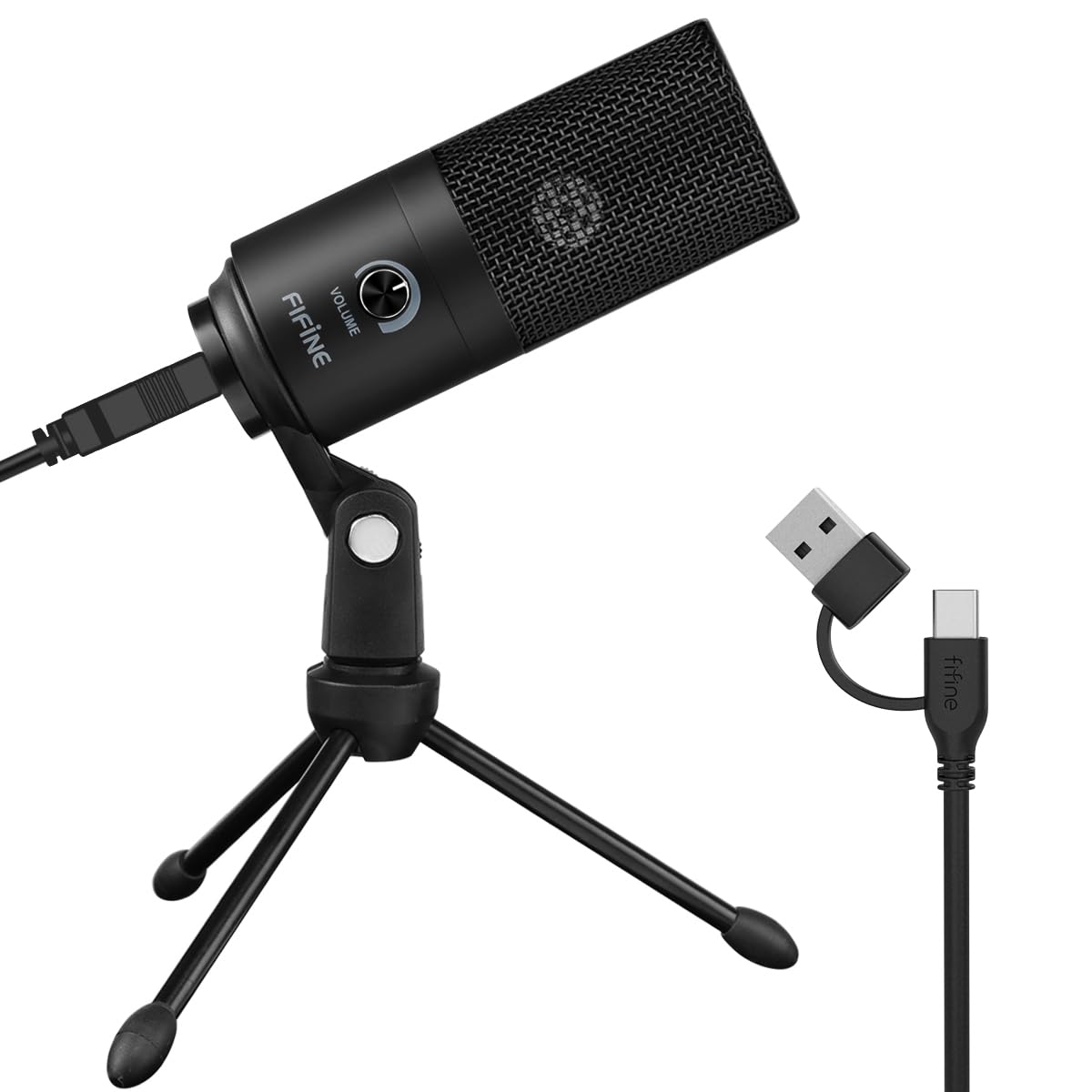
- USB-powered plug-and-play microphone with an included 5.9-foot cable.
- Metal construction with a stable tripod stand and a microphone volume knob.
- Cardioid pickup for voice recording, streaming, and meetings.
Best Gift For: A developer who records voiceovers, streams, or joins computer calls at a desk.

JLab Go Work Wireless Headset
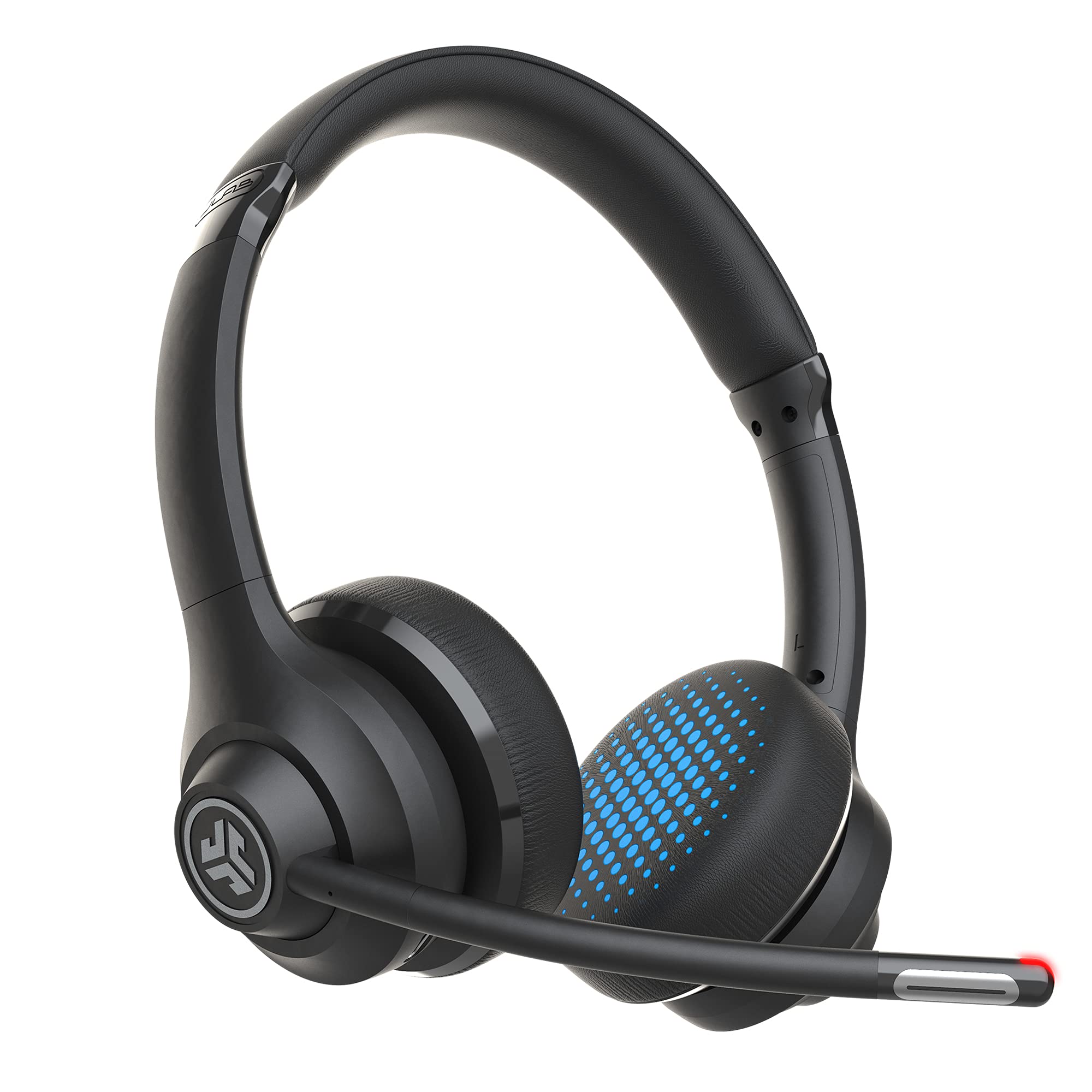
- Connects by Bluetooth or the included USB-C to 3.5mm cable, with multipoint support for two devices.
- Dual microphones support calls, and the boom mic rotates up for listening.
- Offers 45+ hours of playtime and on-headset controls, including mute.
Best Gift For: A developer who switches between computer work, calls, and listening on a mobile device.
HUANUO FlowLift Dual Monitor Stand
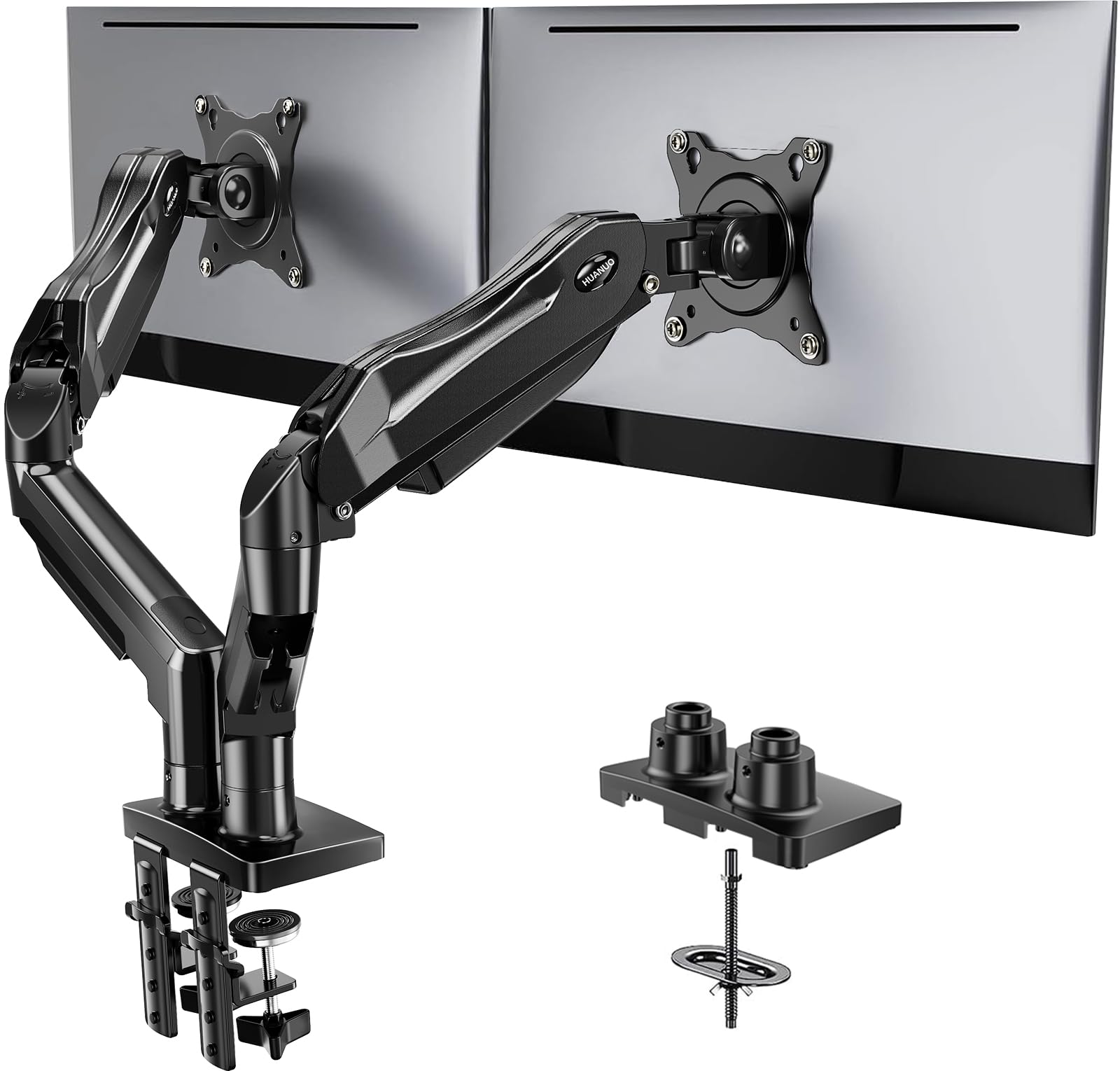
- Fits 13–32-inch screens weighing 4.4 to 19.8 pounds each, with VESA 75x75 or 100x100 mounting holes.
- Supports C-clamp or grommet mounting and full-motion adjustment, including portrait rotation.
- Lifts screens off the desk and includes cable management along the arms.
Best Gift For: A developer with two compatible monitors and a suitable wooden desk who wants more desktop space.
Nulaxy Pull-Out Adjustable Laptop Stand
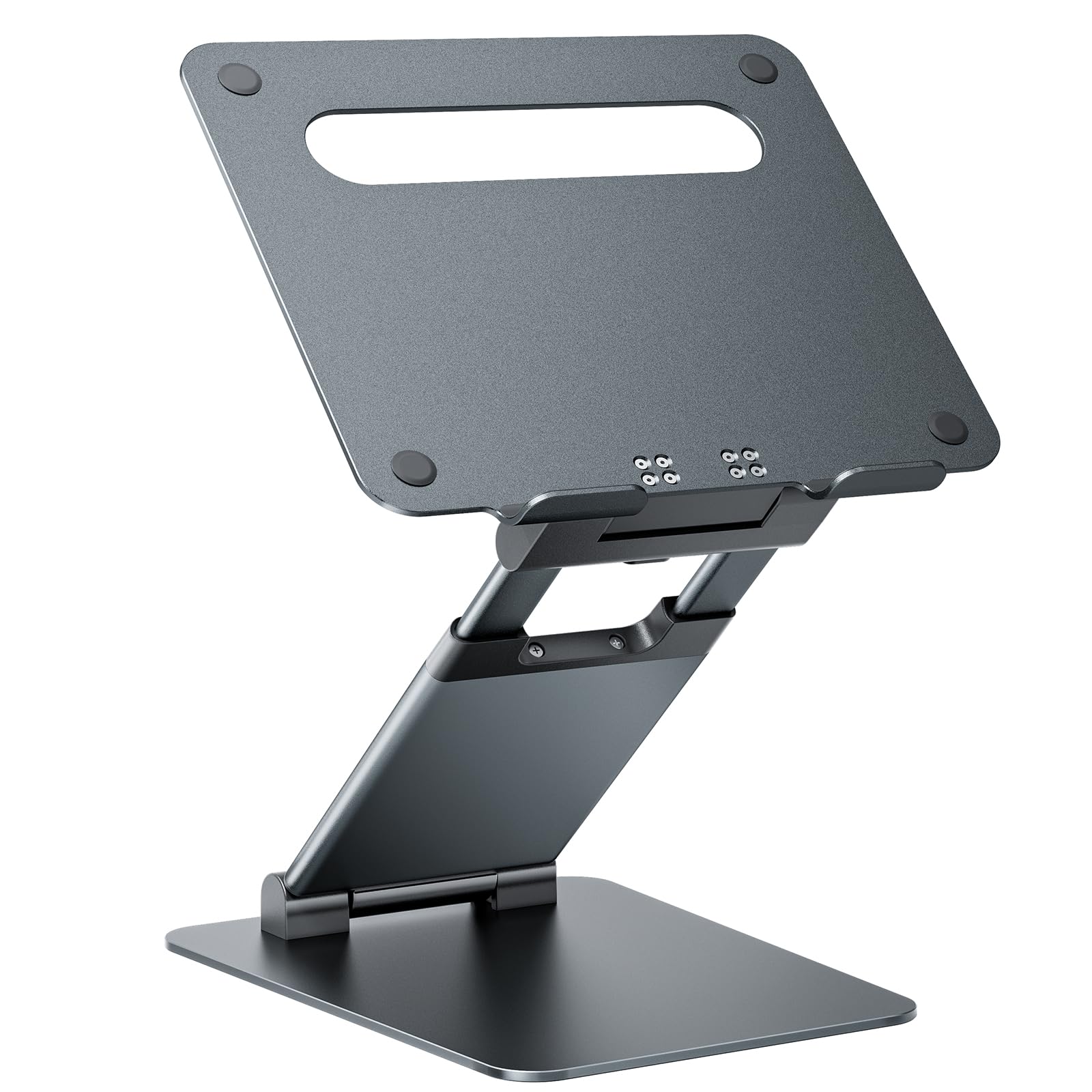
- Fits laptops from 10 to 17 inches and supports up to 22 pounds.
- Pull-out height adjustment raises the laptop from 1.2 to 20 inches.
- Folds for storage and has rubber pads, pivot joints, and a ventilated aluminum panel.
Best Gift For: A developer who wants to raise and tilt a laptop at a home or office desk.
TP-Link Archer AXE75 WiFi 6E Router
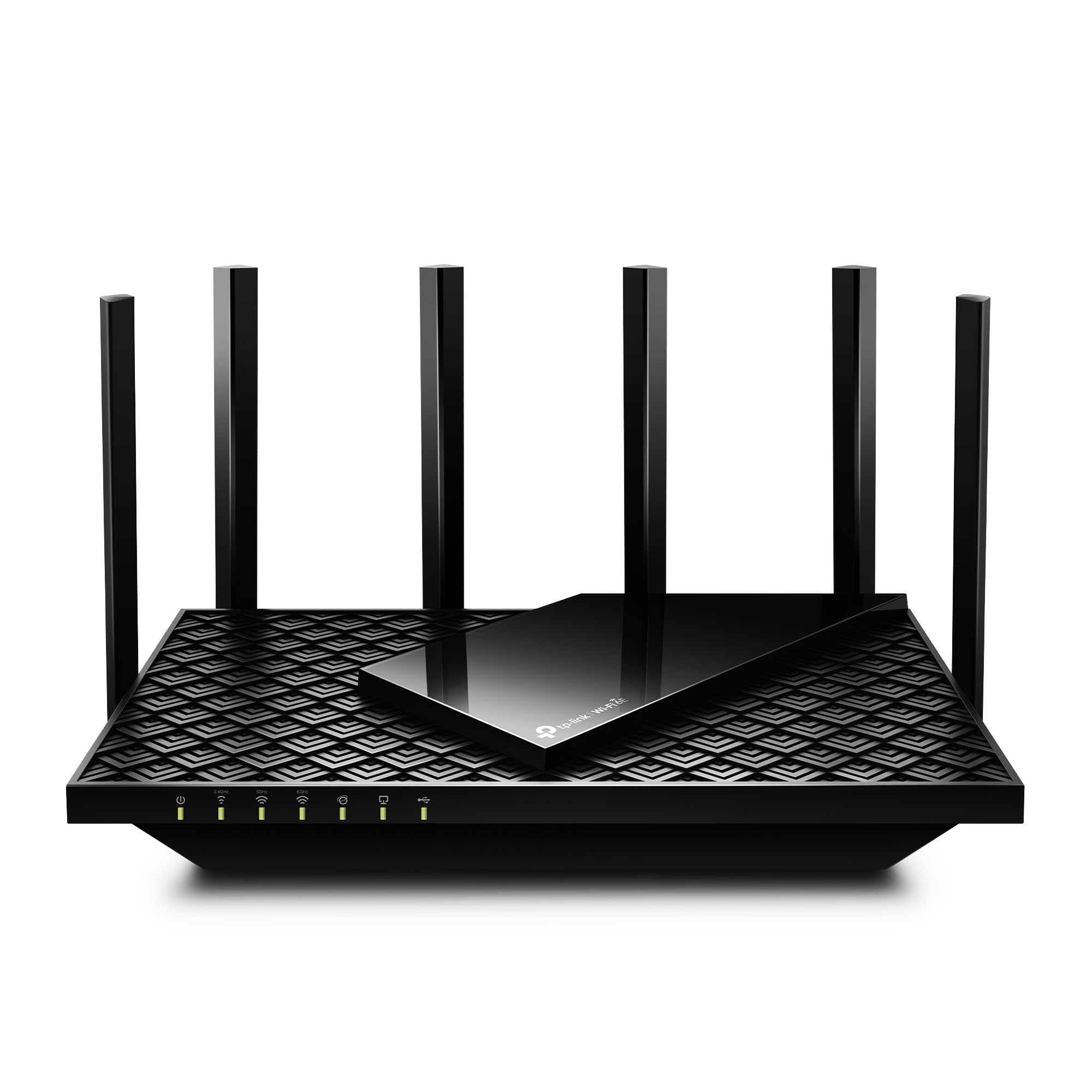
- Tri-band WiFi 6E router with a 6 GHz band and a 2.5 Gbps WAN port.
- Supports OneMesh with a compatible TP-Link extender and includes VPN server and client features.
- Works with internet providers; a modem is required for most providers.
Best Gift For: A developer planning a home network upgrade for work, streaming, or gaming devices.
SteelSeries Apex 5 Hybrid Mechanical Keyboard
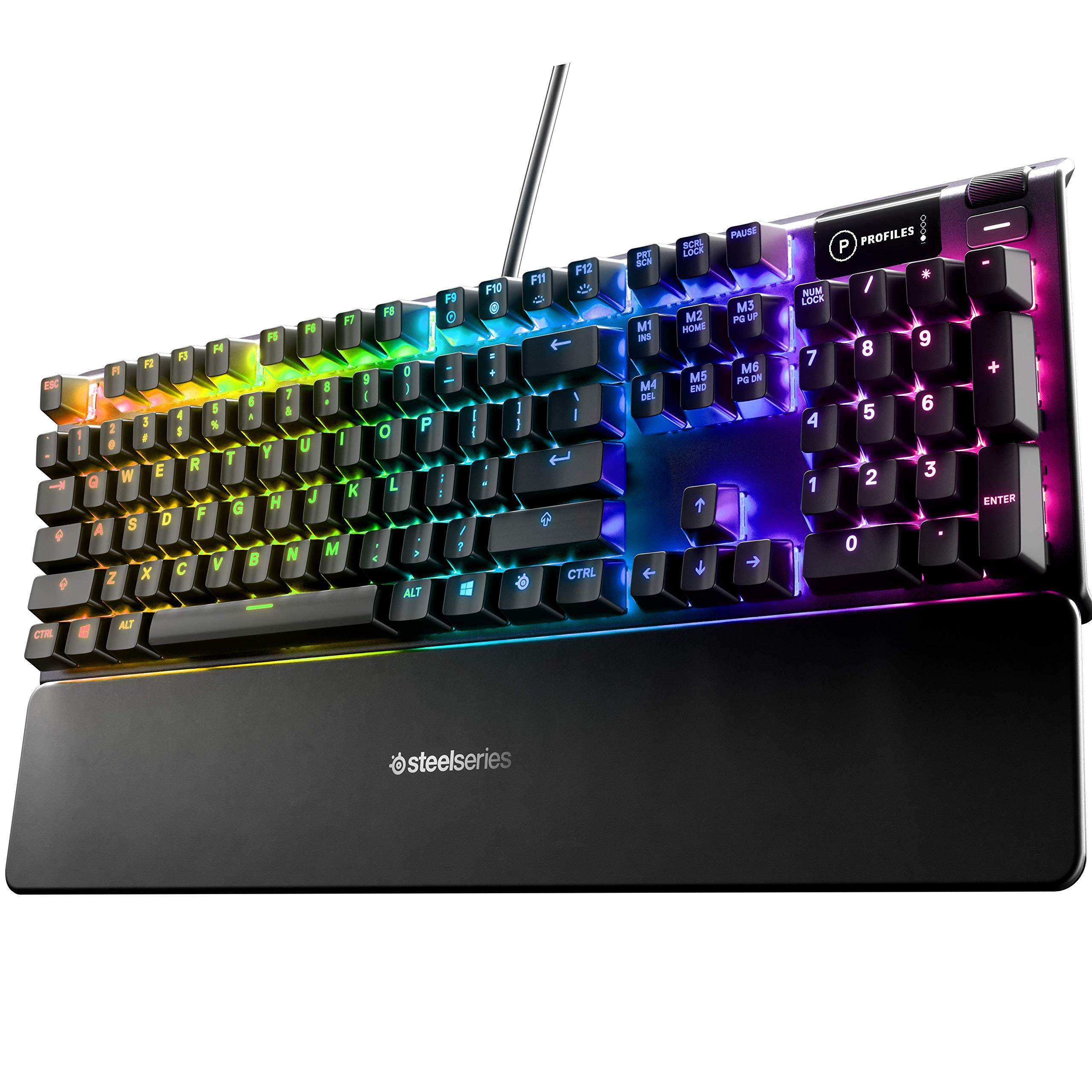
- Hybrid blue switches combine a tactile click with a smooth membrane feel.
- Per-key RGB lighting and an OLED display support customization.
- Includes an aluminum alloy frame and a magnetic wrist rest.
Best Gift For: A developer who enjoys tactile, clicky keys and customizable desk lighting.
SteelSeries Aerox 3 Wireless Gaming Mouse
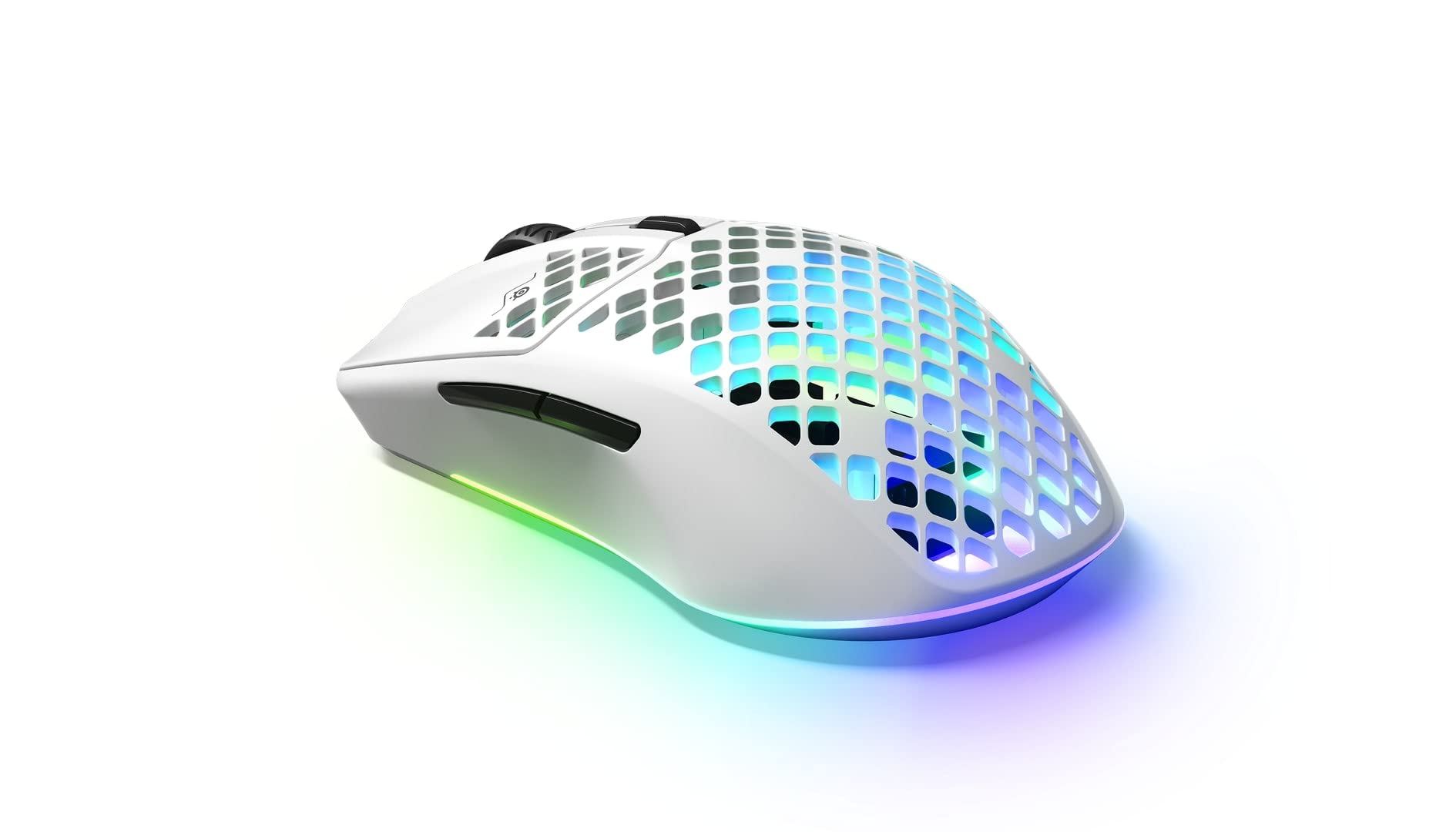
- Wireless connections include 2.4 GHz and Bluetooth 5.0.
- The 68-gram mouse has a three-zone RGB lighting system.
- Its water-resistant design is rated IP54, and the optical sensor is TrueMove Air.
Best Gift For: A developer who wants a lightweight wireless mouse for gaming or everyday computer use.
Audioengine A2+ Wireless Computer Speakers
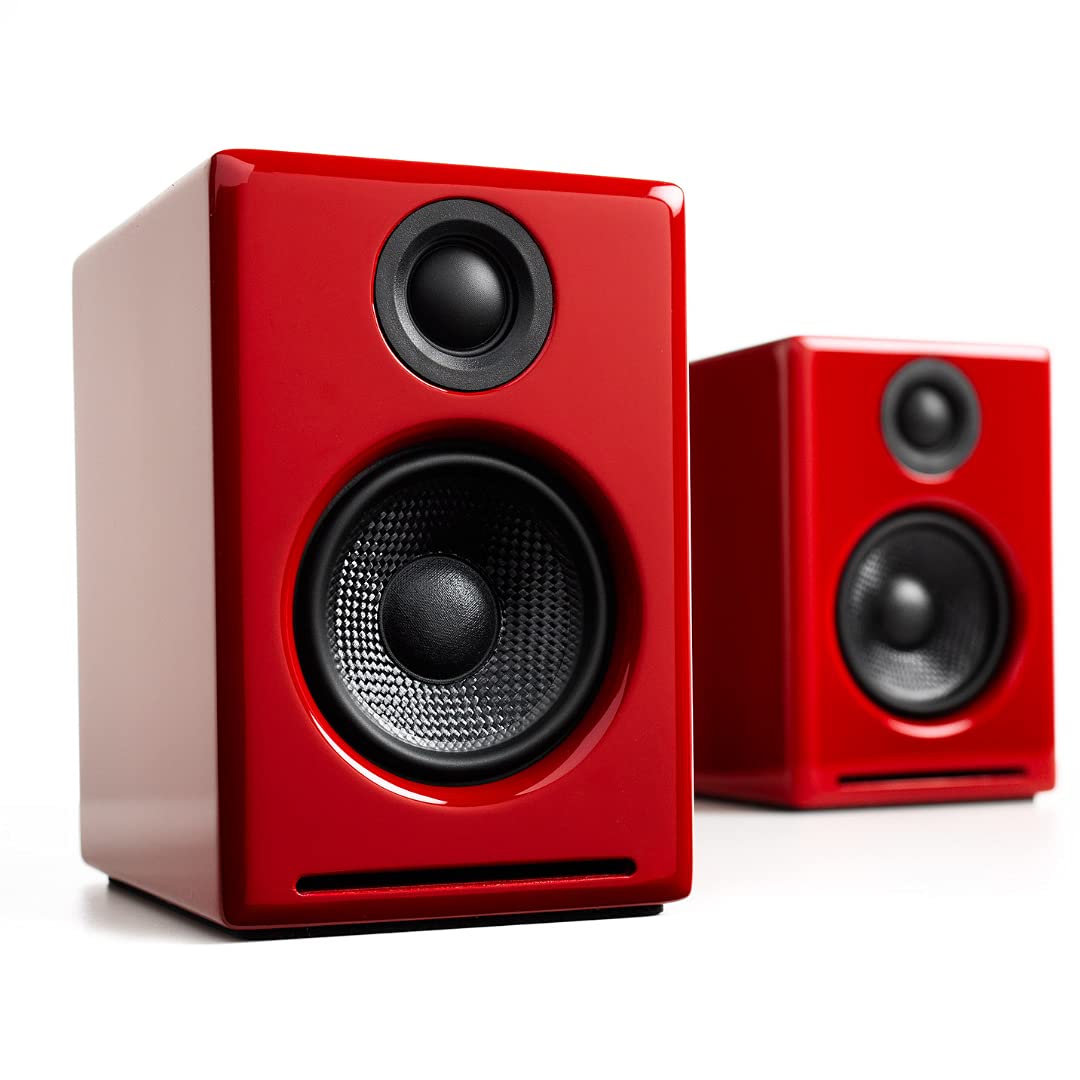
- Compact powered stereo speakers with real wood cabinets and built-in amplification.
- Connects wirelessly by Bluetooth or through USB-C, RCA, and 3.5mm AUX inputs.
- Includes a 24-bit DAC and supports desktop listening for music, games, video calls, and podcasts.
Best Gift For: A developer who listens to music, podcasts, or calls from a desk and values wired or wireless connections.
LISEN 3-in-1 Travel Power Bank
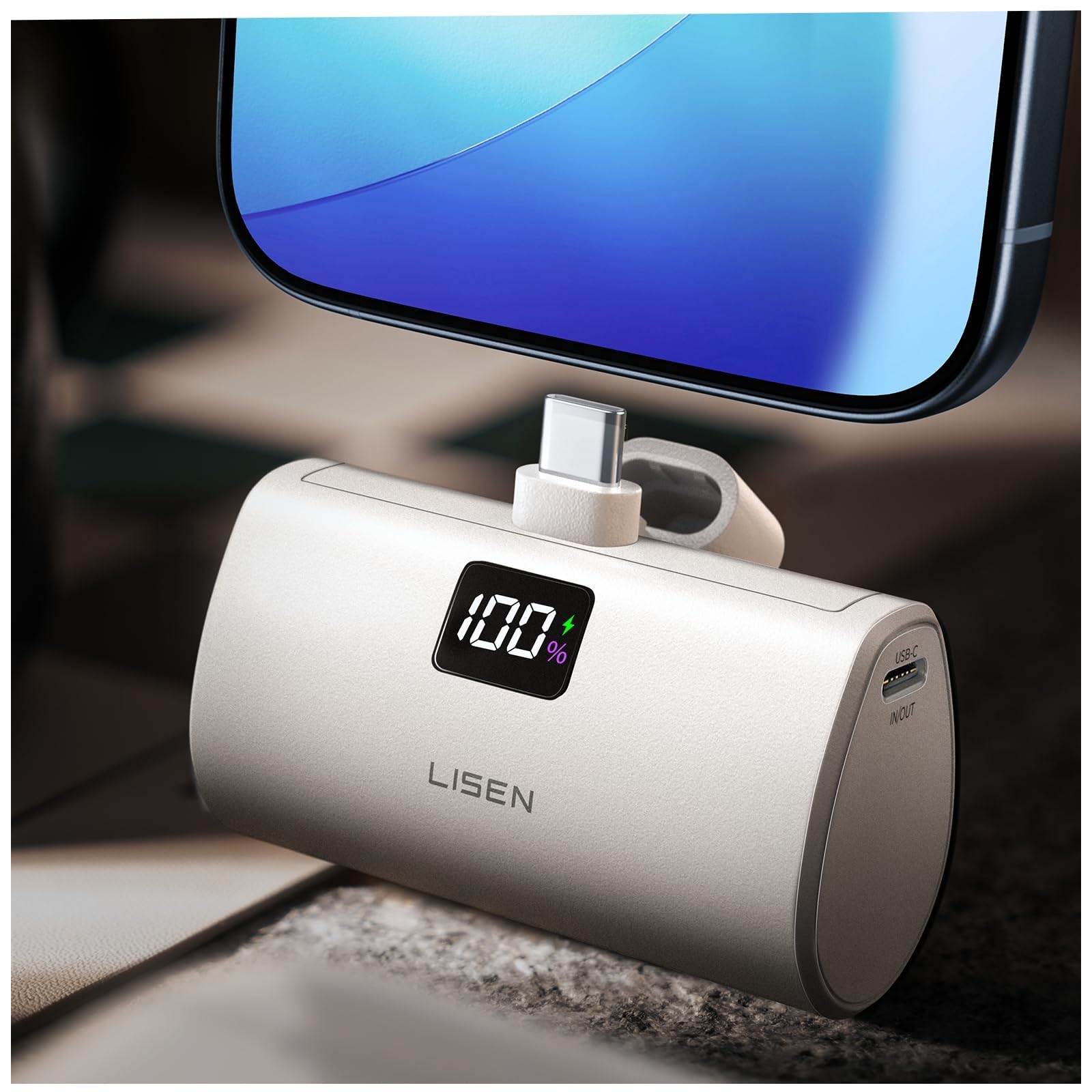
- Combines a wall plug, built-in 3.3-foot cable, and 7000mAh power bank.
- Supports up to 35W charging while plugged into a wall and up to 30W as a power bank.
- The integrated cable reduces the need to pack a separate charging cable.
Best Gift For: A developer who wants a portable charger with a built-in cable for workdays or travel.
SABRENT USB-C Hub and M.2 SSD Dock
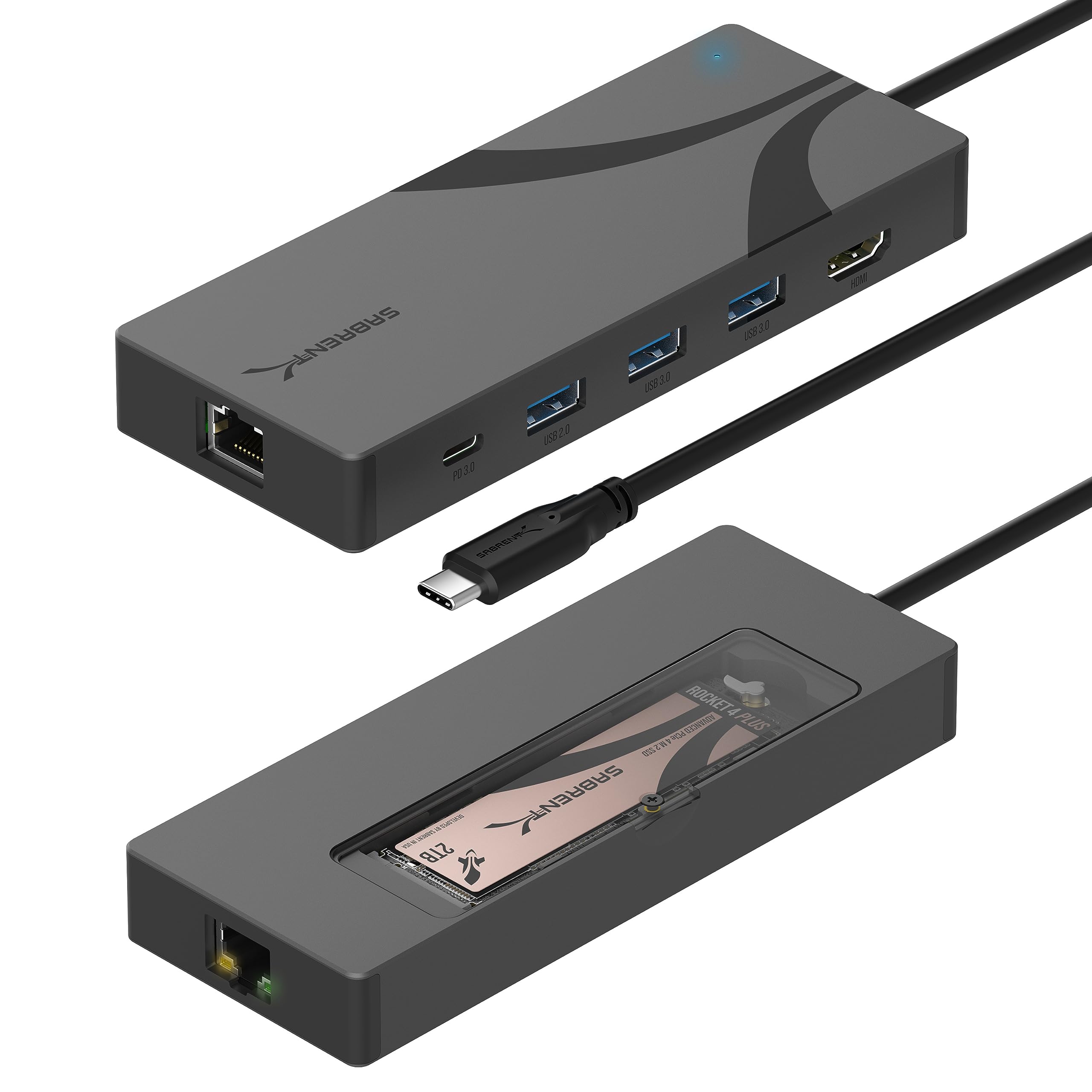
- Combines six ports with an M.2 NVMe or SATA SSD enclosure; the drive is sold separately.
- Includes 4K 60Hz HDMI, Gigabit Ethernet, and USB-A ports.
- Passes through up to 90W USB Power Delivery to a connected host when used with a separate USB-C charger.
Best Gift For: A developer with a compatible USB-C laptop who needs extra ports and a place to add an M.2 drive.
Choosing gifts for developers around their daily setup
When choosing gifts for developers, start with the recipient’s routine. Someone who works across a laptop and desktop may appreciate a connection or workspace upgrade, while a developer who spends the day in calls may get more use from a microphone or headset.
Think about what they already reach for every day.
Notice the small friction points: crowded ports, a laptop screen that sits too low, or a desk that leaves little room for a notebook. A useful gift often addresses one persistent annoyance without asking the recipient to change their whole setup.
If you are unsure, a portable accessory can be easier to fit into an existing routine than a larger desk fixture.
Match the gift to the workspace
Before choosing a monitor mount or laptop stand, consider the furniture and devices it needs to work with. Monitor size, weight, mounting holes, desk construction, available space, and cable routes all affect whether a mount will suit the recipient.
A stand is a simpler choice when you do not know their desk dimensions, but laptop size and preferred working height still matter.
For connectivity gifts, check the computer’s ports and the recipient’s existing equipment. A hub’s video output may depend on the laptop’s USB-C capabilities, and an SSD dock needs a separately purchased compatible drive.
A router can make sense when the recipient manages their home network, but it is a less personal surprise if you do not know their internet setup.
Set a thoughtful budget for gifts for developers
For gifts for developers, think in terms of the problem a gift solves rather than a fixed price ladder. A small charging accessory or stand can be a practical gesture, while a larger audio or networking upgrade makes more sense when you know the recipient will use it.
Compare current prices before deciding, since prices can change.
A modest budget can still support a useful present when you add a personal touch: pair a desk accessory with a handwritten note about why it reminded you of them, or wrap a compact gadget alongside a favorite snack. For a bigger purchase, consider whether the recipient already owns an equivalent item and whether the new one fits their devices.
Personalize the setup and presentation
Personalization can be as simple as matching a gift to how someone uses their desk. A developer who keeps a tidy workspace may value accessories that free up surface area or reduce cable clutter.
Someone who listens between tasks may prefer an audio-focused gift. Use what you have noticed about their habits, rather than assuming every developer has the same setup.
Presentation can make practical technology feel considered. Add a short note describing the moment you pictured them using it, such as a clearer call from a shared workspace or a more comfortable laptop position during a long work session.
For compatibility-sensitive equipment, include a gift receipt or offer to help check fit and connections together.
Last-minute gifts for developers: check before you buy
For a last-minute choice, favor an accessory that fits into a routine the recipient already has, then check the product’s current details, compatibility, and delivery estimate before ordering. A built-in cable or a straightforward desk accessory may be easier to choose quickly than equipment that depends on a particular monitor, desk, or network.
If a gift could be incompatible, make that uncertainty part of the plan: give a note explaining the idea and choose the exact model together, or confirm device details discreetly with someone who knows the setup. Check return terms and delivery estimates at checkout, and avoid promising arrival by a particular date until the carrier confirms it.