Programmers spend plenty of time at their desks, so useful gifts can make their work setup more comfortable, organized, or enjoyable. This collection of 13 gift ideas includes accessories for coding workspaces, calls, audio, and daily device use.
The right choice depends on how the recipient works and what they already own. Consider their computer, desk, and preferred way to listen or communicate before choosing a tech accessory.
13 Gift Ideas for Programmers and Their Workspaces
SteelSeries Arctis Nova Pro Wireless Headset
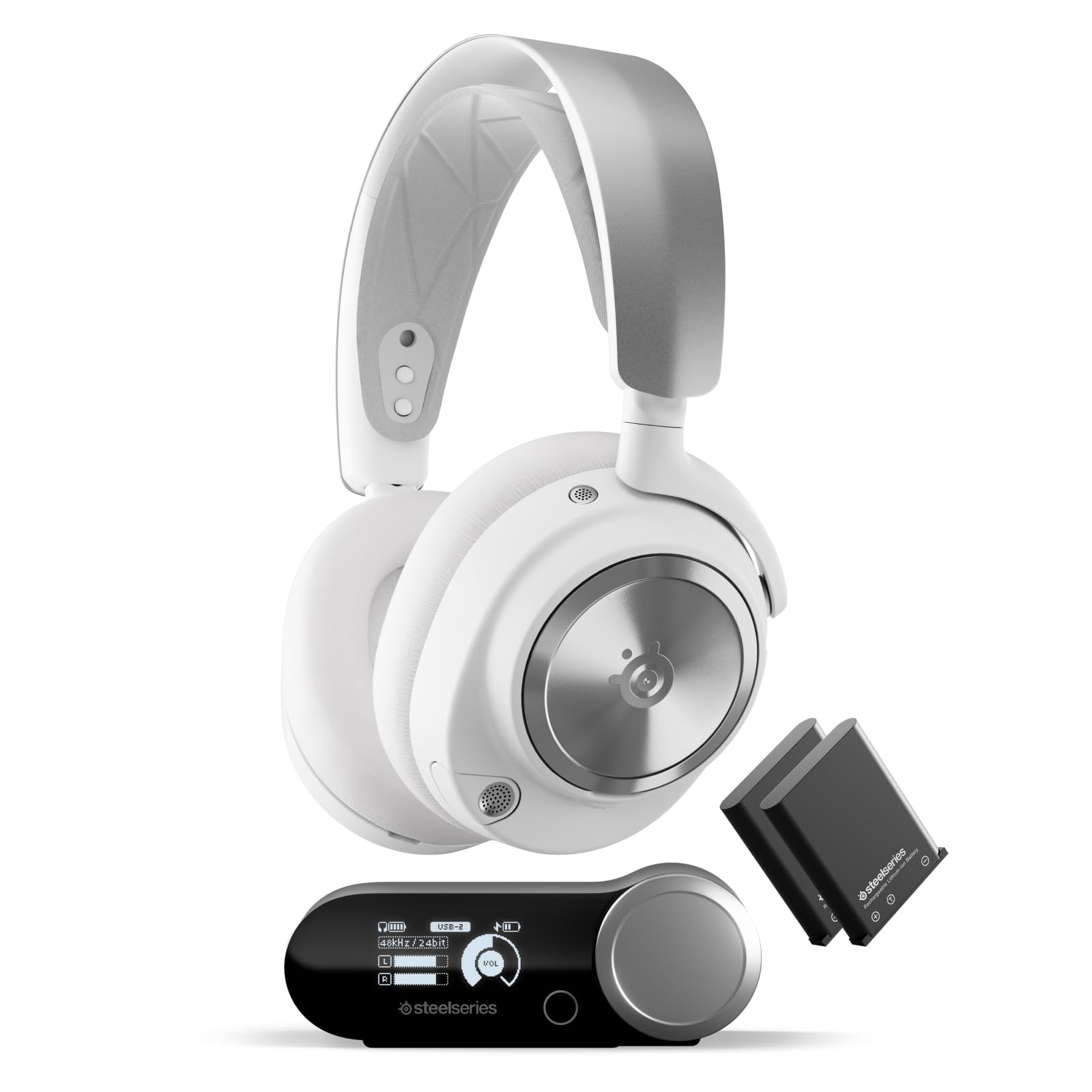
- Connect two systems at once and switch between PC, PlayStation, Switch, or Mac.
- Active noise cancellation and Transparency Mode offer different listening options.
- Two hot-swappable batteries include one that charges in the base station.
Best Gift For: A programmer who enjoys gaming and wants a headset that can connect to two systems at once.

SteelSeries Apex Pro Mini HyperMagnetic Keyboard
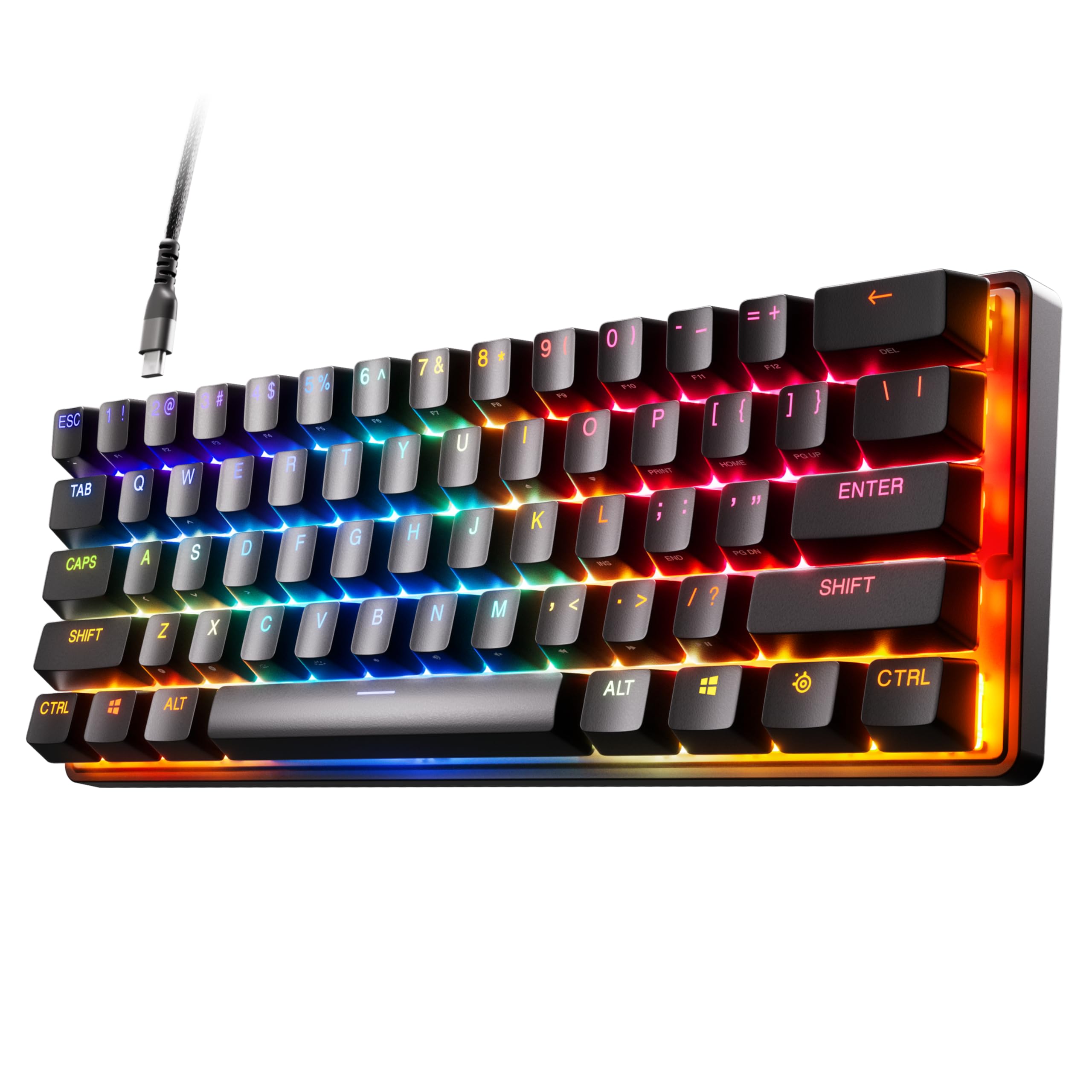
- The 60% form factor leaves more desk space while retaining full-size functionality.
- Adjustable actuation offers 40 levels per key.
- Includes a detachable USB-C connection and PBT keycaps.
Best Gift For: A programmer who prefers a compact keyboard and wants to customize key actuation.
Nulaxy Pull-Out Adjustable Laptop Stand
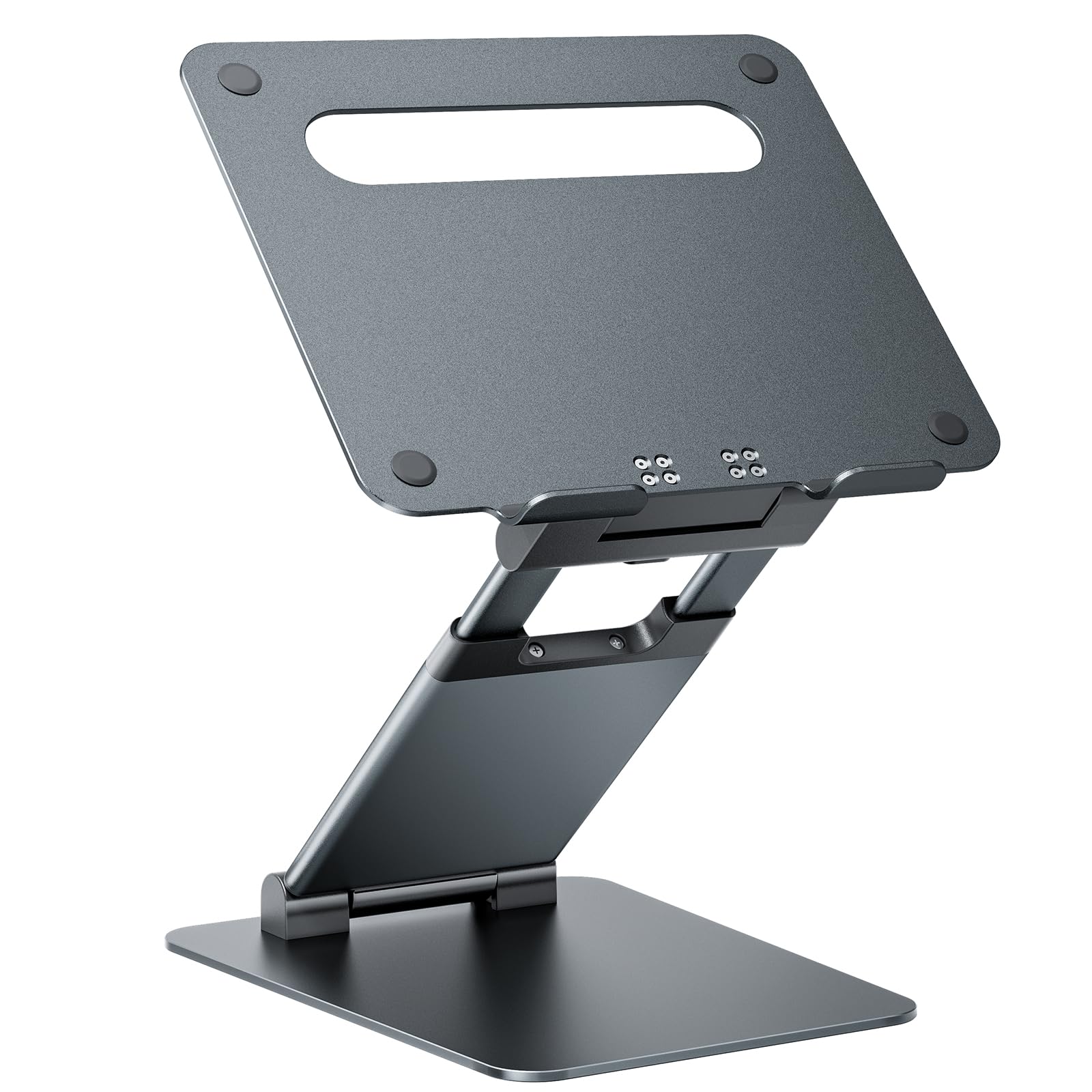
- Adjustable height and tilt support different viewing positions.
- The pull-out design adjusts from 1.2 to 20 inches in height.
- Foldable aluminum construction includes ventilation holes and supports up to 22 pounds.
Best Gift For: A laptop user looking for an adjustable stand for a home or office desk.
FIFINE AmpliGame AM8 USB/XLR Microphone
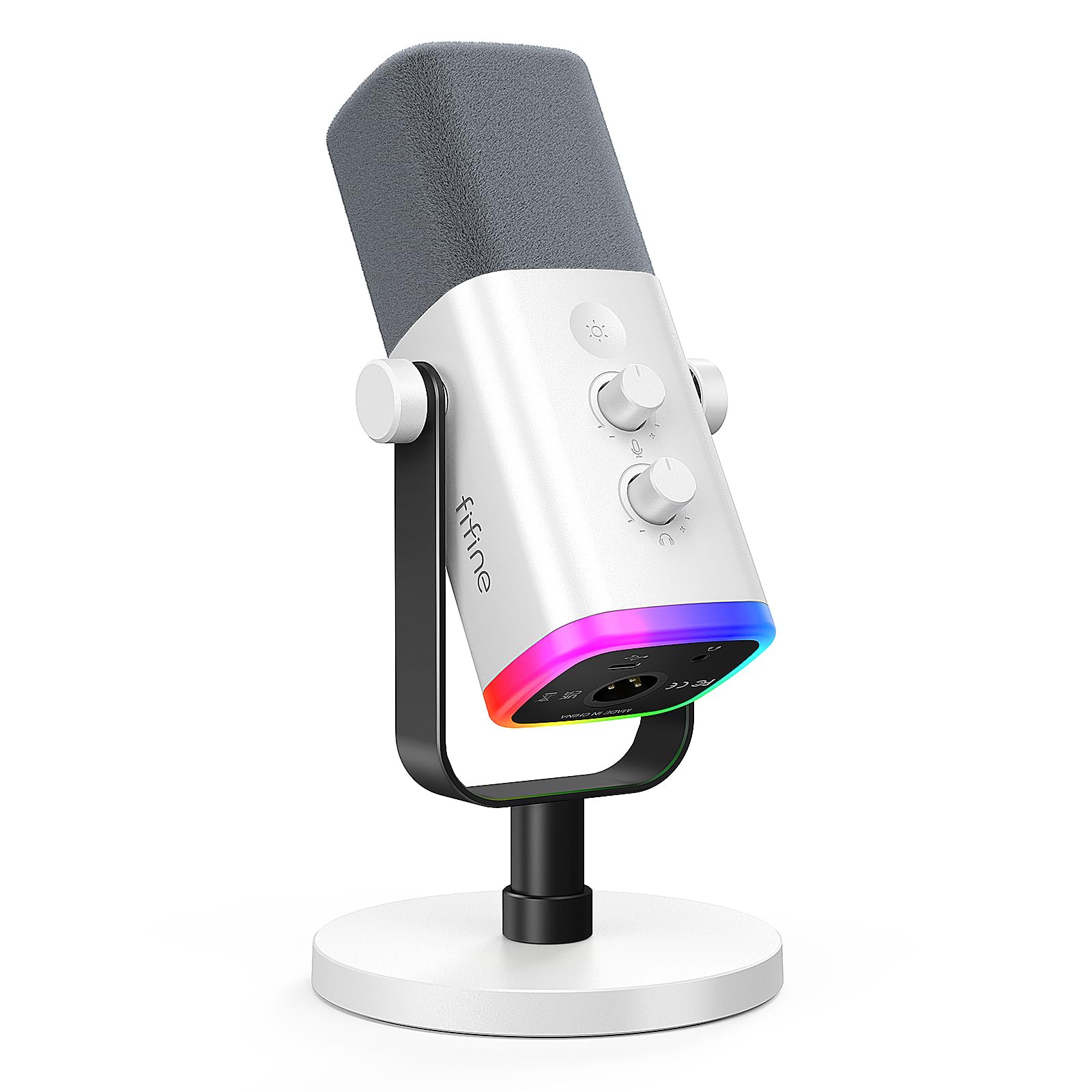
- USB and XLR connections support different audio setups.
- USB mode includes RGB lighting, a mute button, gain control, and headphone monitoring.
- The microphone is designed for gaming, streaming, podcasting, and voiceovers.
Best Gift For: A programmer who streams, records voiceovers, makes podcasts, or joins calls at a desk.
SteelSeries Aerox 3 Wireless Gaming Mouse
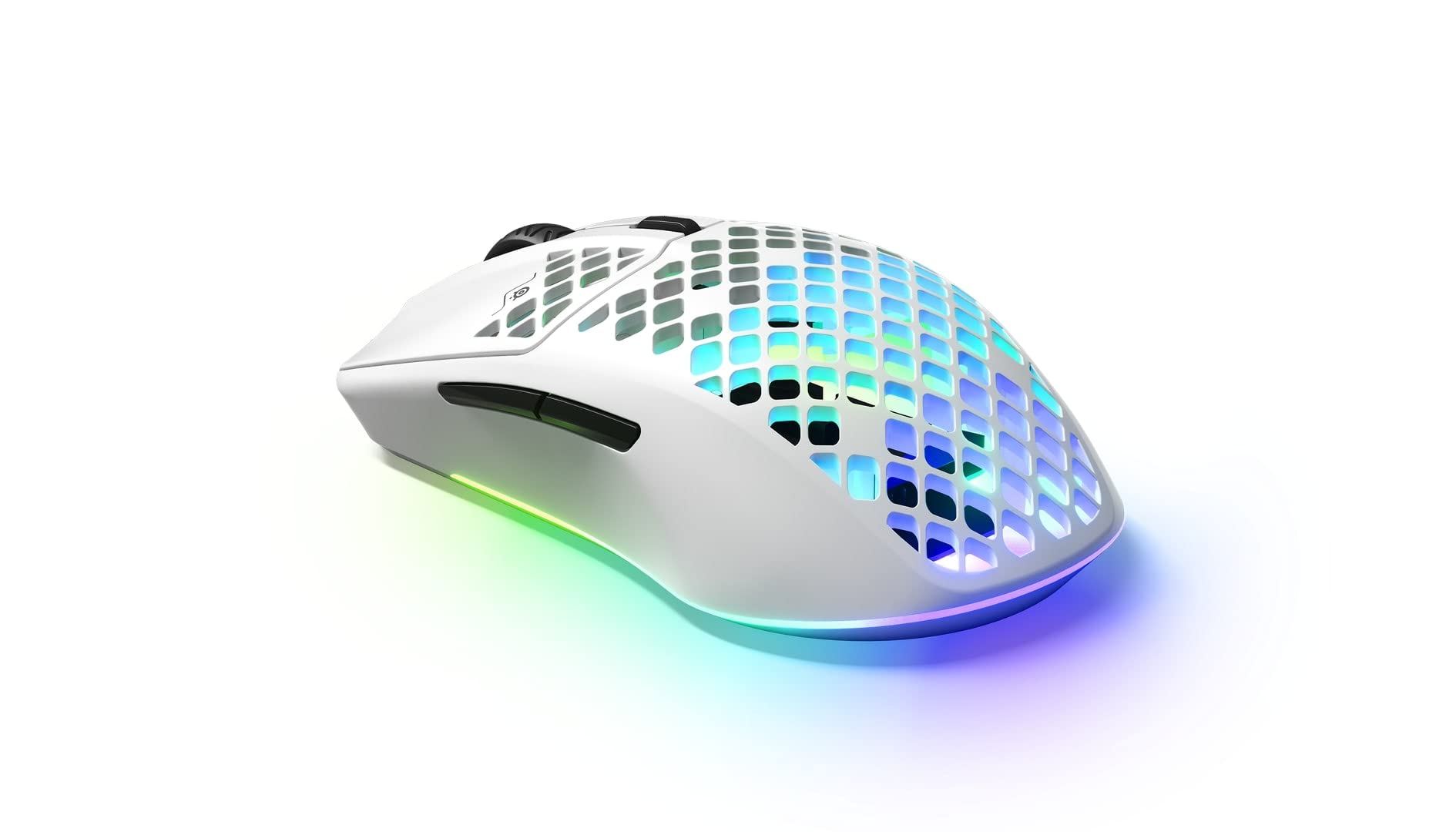
- The perforated shell weighs 68 grams.
- Connect through 2.4GHz wireless or Bluetooth 5.0.
- Three-zone PrismSync RGB lighting offers configurable colors.
Best Gift For: A programmer who also games and wants a wireless mouse with configurable lighting.
TP-Link Archer GE800 Wi-Fi 7 Gaming Router
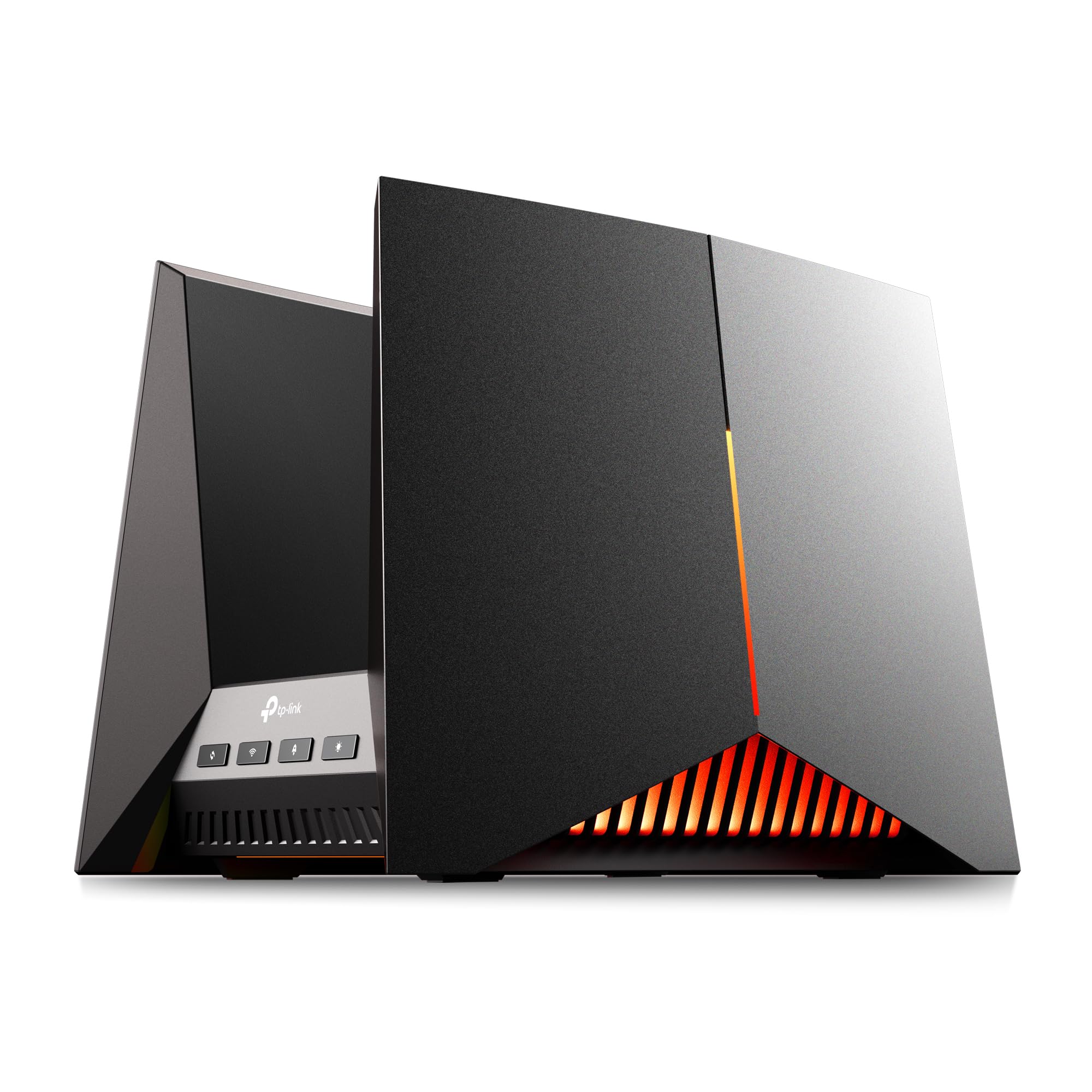
- Tri-band Wi-Fi 7 router with 12 streams.
- Includes two 10G ports and four 2.5G ports.
- Features a dedicated gaming port, a real-time performance panel, and customizable RGB lighting.
Best Gift For: A programmer upgrading a home gaming network who can make use of its wired connections and gaming features.
HUANUO FlowLift Dual Monitor Stand
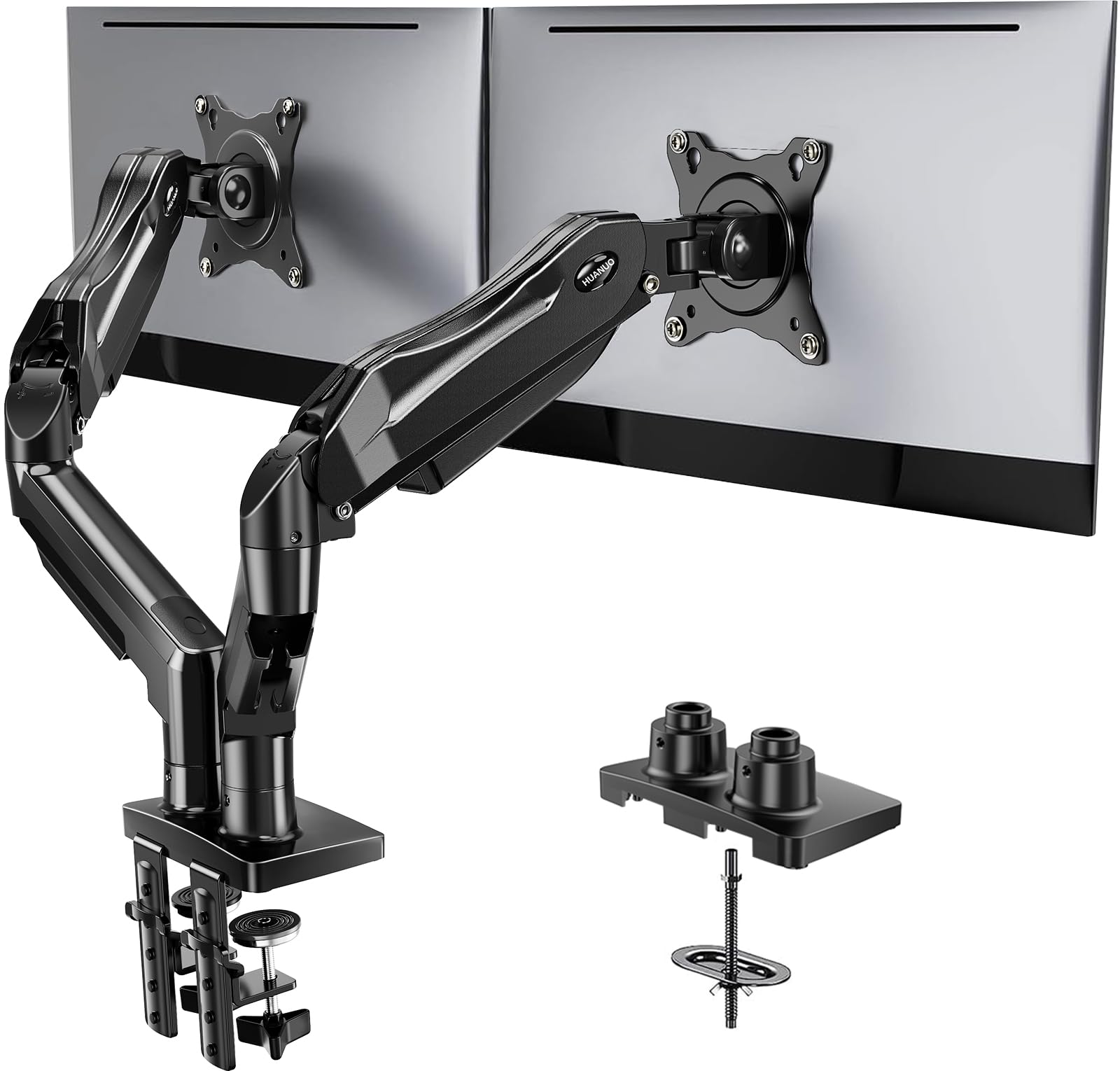
- Fits 13–32-inch screens weighing 4.4–19.8 pounds each, with compatible VESA mounting holes.
- Offers tilt, swivel, and rotation adjustments, plus height adjustment up to 15.75 inches.
- C-clamp or grommet mounting and built-in cable management help organize the setup.
Best Gift For: A programmer with two compatible monitors and a suitable wooden desk.
SABRENT USB-C 6-Port Hub and M.2 SSD Dock
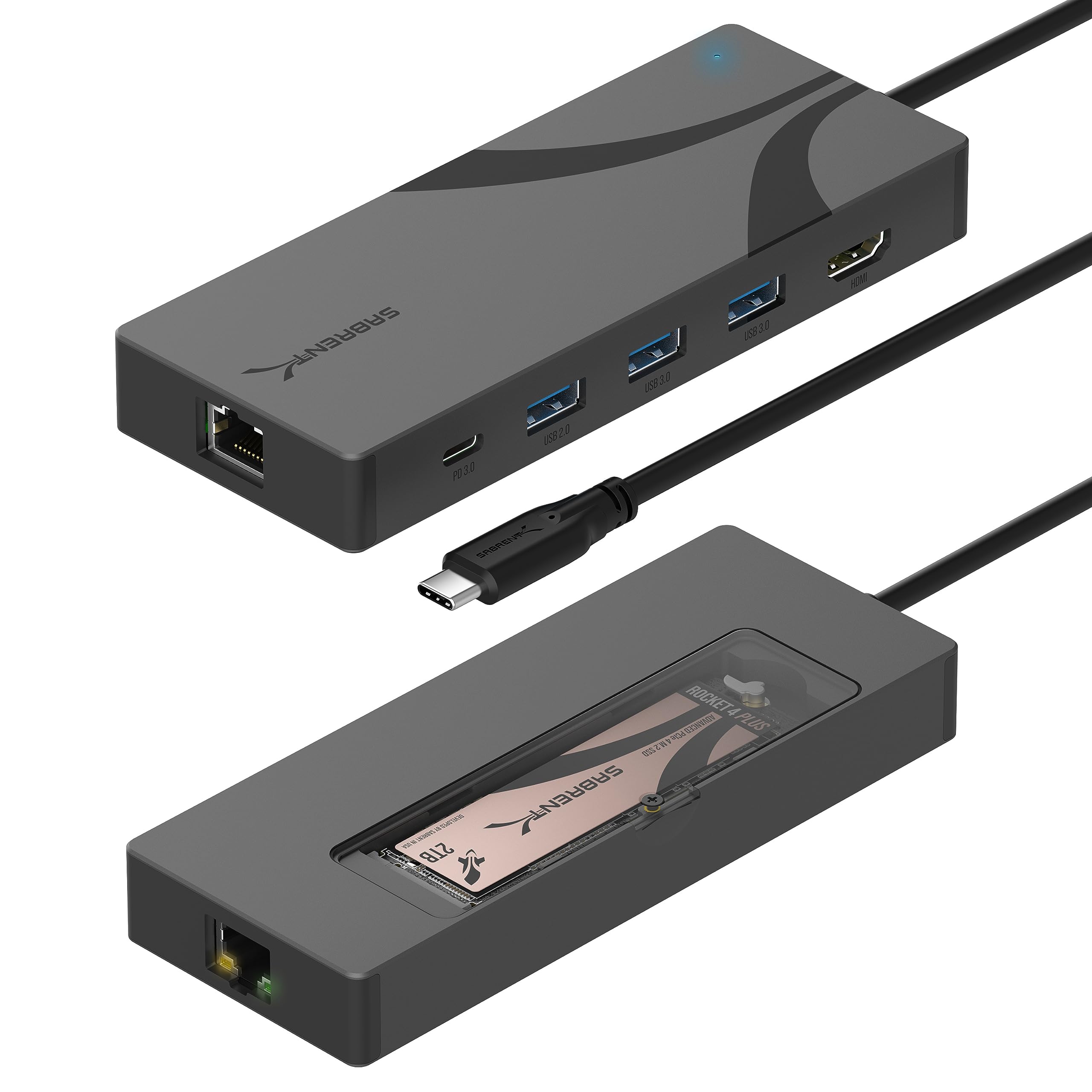
- Combines six ports with an M.2 enclosure; the drive is sold separately.
- Supports 2242, 2260, and 2280 M.2 NVMe or SATA drives.
- Includes 4K HDMI, Gigabit Ethernet, and up to 90W USB Power Delivery pass-through; check host compatibility for video.
Best Gift For: A laptop user who needs extra connections and already has a compatible M.2 drive to install.
SABRENT SuperSpeed USB 3.0 Memory Card Reader
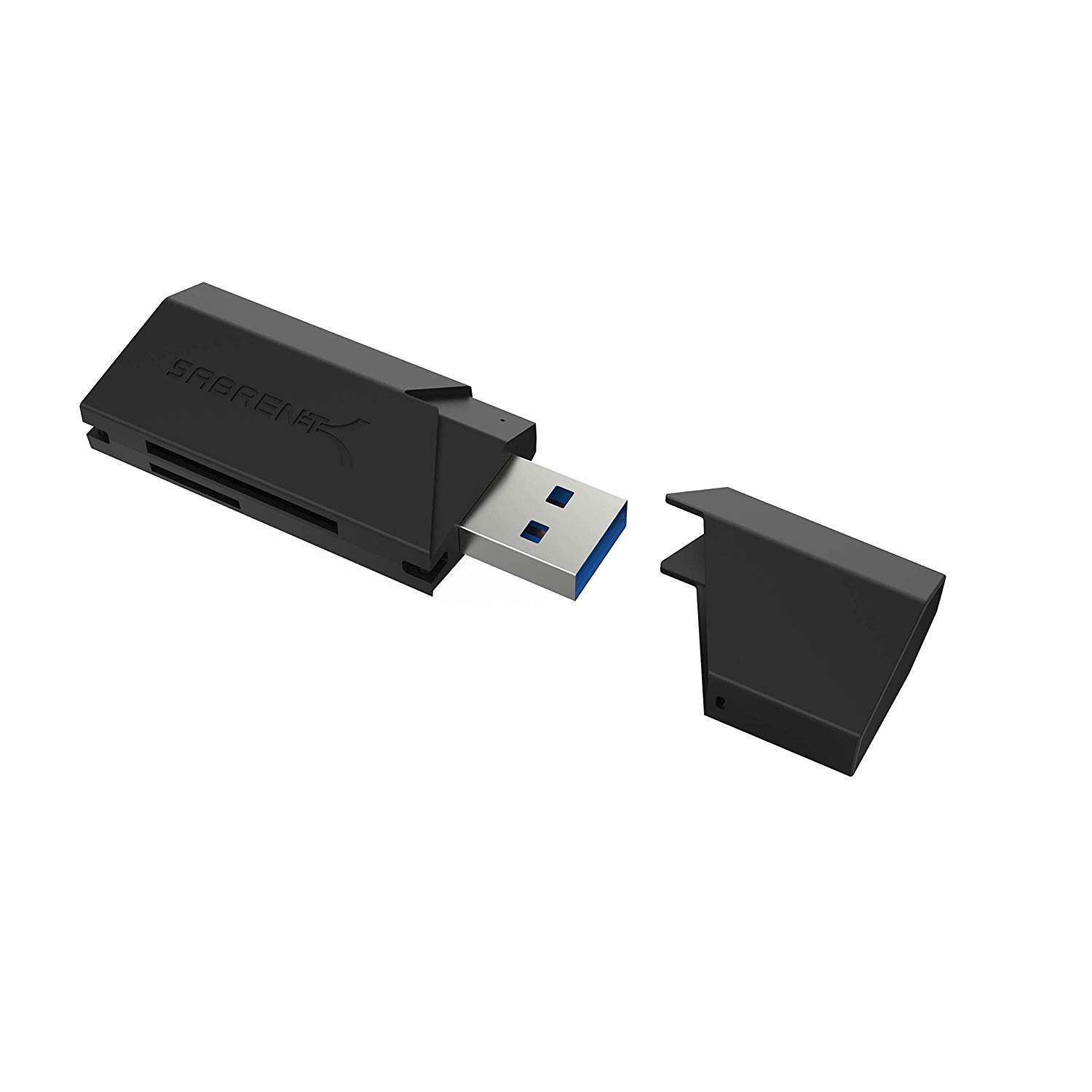
- Supports SD, SDHC, SDXC, MMC, MicroSD, and T-Flash cards.
- USB 3.0 connection is backward compatible with USB 2.0 hosts.
- Draws power from the USB port and requires no additional power supply.
Best Gift For: A programmer who transfers files from supported memory cards to a computer.
JLab Go Air Pop+ True Wireless Earbuds
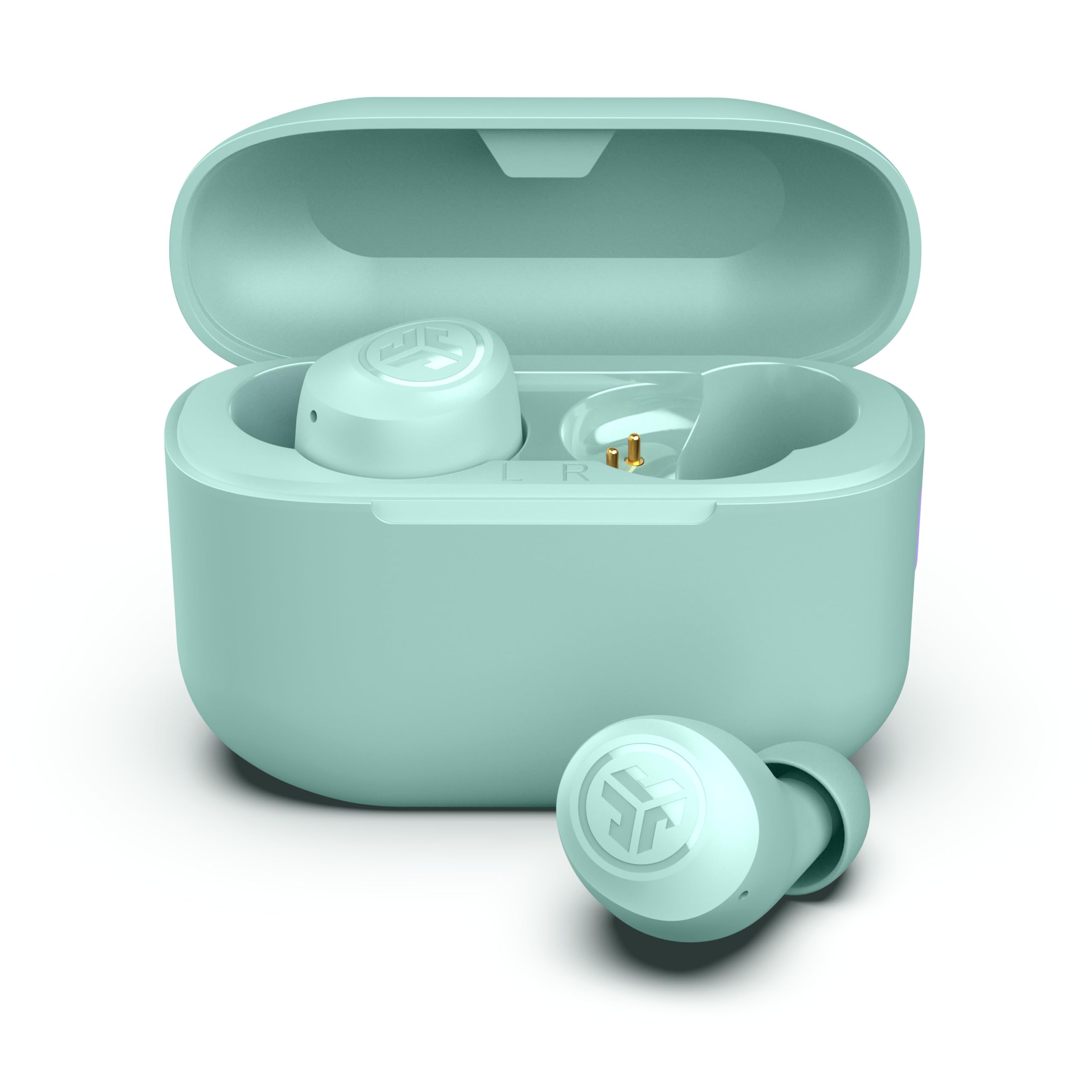
- Bluetooth 5.3 supports connections to iOS, Android, and PC.
- Dual Connect allows either earbud to be used independently; each has a microphone.
- Includes three gel tip sizes and EQ3 sound modes.
Best Gift For: A programmer who listens to podcasts or takes calls while commuting and wants the option to use one earbud at a time.
Audioengine A2+ Wireless Computer Speakers
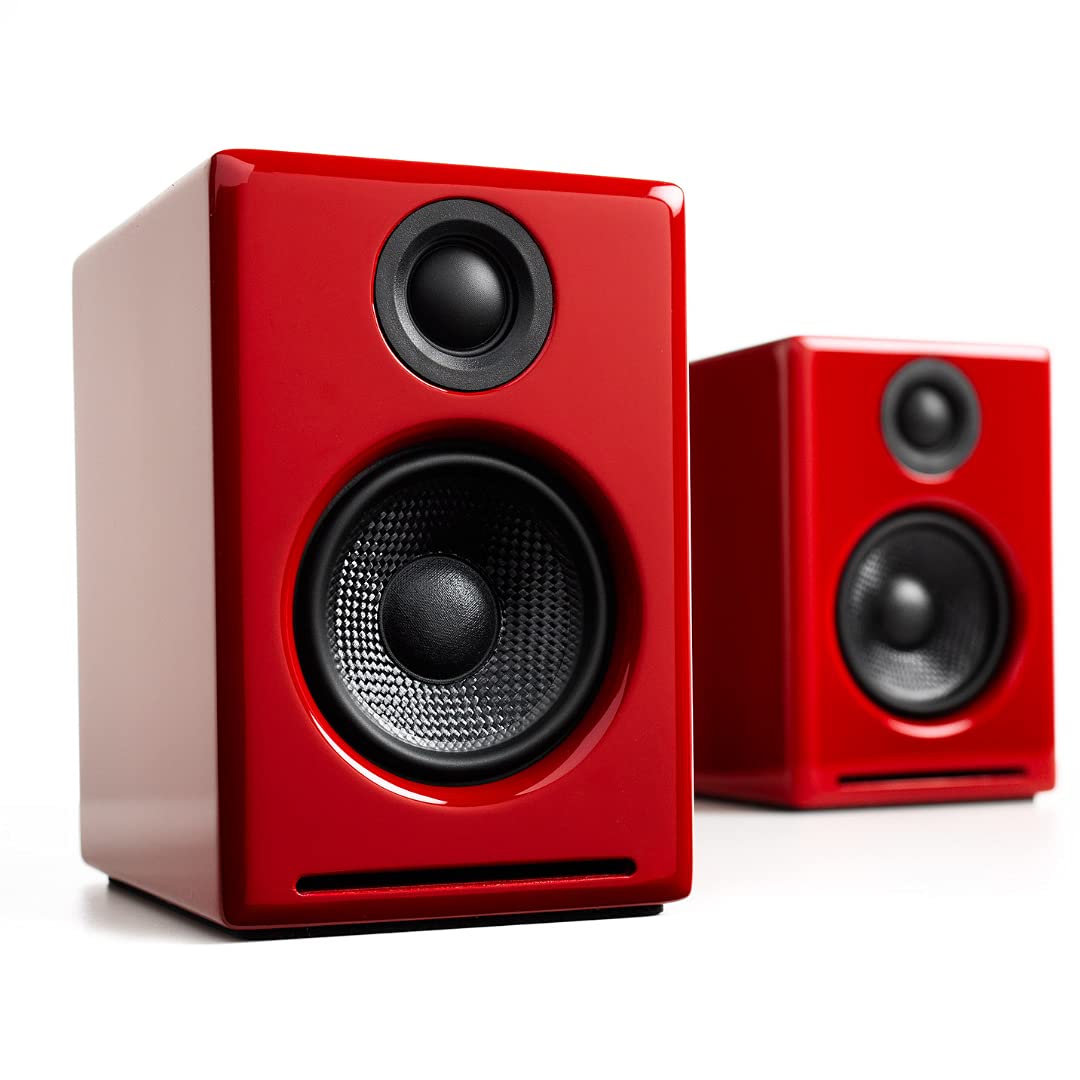
- Compact powered speakers are designed for nearfield desktop listening.
- Connect wirelessly with Bluetooth or by USB-C, RCA, or 3.5mm AUX.
- Built-in 24-bit DAC supports digital audio connection to a computer through USB-C.
Best Gift For: A programmer who listens to music, podcasts, or game audio at a desk.
LISEN 3-in-1 Travel Power Bank with Wall Plug
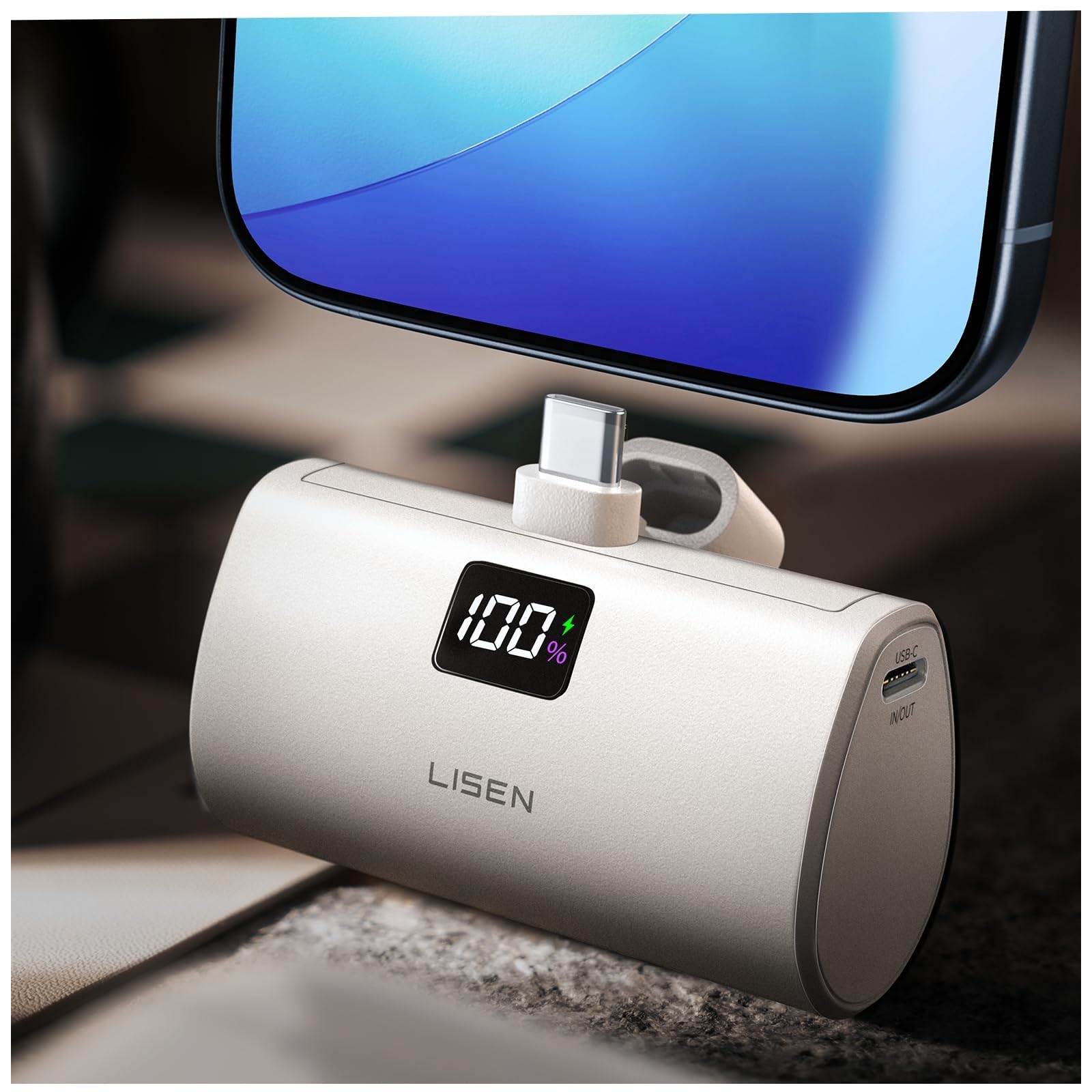
- Combines a wall plug, power bank, and built-in 3.3-foot cable.
- 7000mAh capacity and up to 35W charging when used with the wall plug.
- Supports up to 30W charging in power bank mode for compatible devices.
Best Gift For: A programmer who travels or carries a phone throughout the day and values an integrated charging cable.
BESTEK PD20W Power Strip Tower
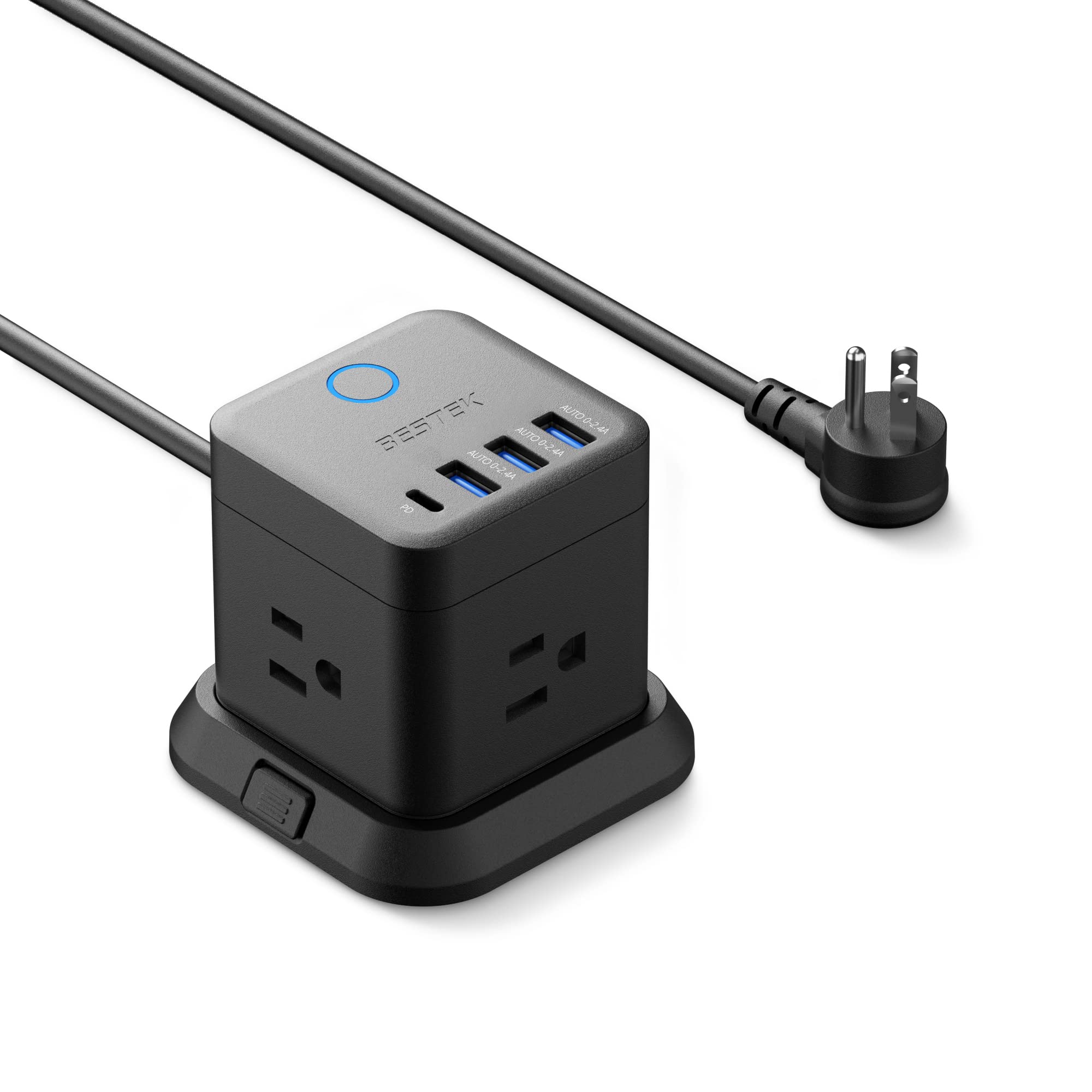
- Provides three outlets, three USB-A ports, and one USB-C port.
- USB-C port supports PD 20W charging.
- Includes a 5-foot extension cord and a detachable base for mounting.
Best Gift For: A programmer who wants to add charging ports and outlets to a desk or bedside setup.
Choosing gifts for programmers by workspace
When choosing gifts for programmers, start with the recipient’s everyday setup. Someone who works on a laptop at different tables may appreciate a different kind of desk accessory than someone with a permanent workstation and two monitors.
If you can, notice what feels crowded, awkward, or inconvenient without asking them to send a shopping list.
Think about the activity behind the gift. A person who spends long stretches on calls may value a microphone or earbuds, while someone who listens at their desk may prefer speakers.
A programmer who games in their downtime might enjoy a gaming focused accessory. Match the gift to a habit you have actually seen rather than assuming every programmer wants the same equipment.
Compatibility deserves a quick check before buying. Confirm the recipient’s computer ports, operating system, monitor setup, and available desk space when those details matter.
For mounts and hubs, product dimensions and connection requirements can determine whether the gift fits their setup. If you cannot check discreetly, choose an accessory with fewer setup dependencies.
Balancing budget and usefulness
A useful programmer gift does not have to be a major hardware purchase. Small accessories can solve everyday annoyances, while larger workspace upgrades make sense when you know the recipient’s setup well.
Set a comfortable spending limit first, then decide whether you are shopping for a practical improvement, a personal interest, or a modest add-on to a larger gift.
Compare the kind of value each item offers rather than treating price as a proxy for usefulness. A card reader or charging accessory may be appreciated because it is easy to put to work; a more involved audio or desk upgrade might suit someone whose preferences you know.
Check actual prices before ordering, since prices can change.
For equipment that depends on other components, account for what the recipient already owns. A hub with an M.2 enclosure needs a compatible drive to provide storage, and a monitor mount needs matching screens and a suitable desk.
These details affect the complete gift cost and whether the recipient can use it right away.
Personalizing gifts for programmers
For gifts for programmers, a little context can make a practical choice feel personal. Consider whether they work mostly from home, move between locations, take frequent calls, or use their computer for gaming after work.
That small clue helps narrow the options without turning the gift into a guess about their personality.
Presentation can connect a useful accessory to a specific routine. Add a note about how you hope it helps with their home office, commute, or next gaming session.
If you are giving a larger item, you might include a handwritten card explaining why you chose it, while leaving the technical setup to them.
Avoid buying extra accessories unless you know they are needed. A recipient may already have a preferred keyboard, microphone, or charging arrangement.
If a product relies on a specific port, drive, cable, or mounting style, a discreet question to someone who knows their setup can help you choose confidently without spoiling the surprise.
Last-minute buying advice for gifts for programmers
When time is short, favor a gift with a clear purpose and a straightforward setup. Before ordering, check the current product details, device compatibility, physical dimensions, and delivery estimate.
That is especially useful for gifts that connect to a computer or attach to a desk, since a port or mounting mismatch can turn a thoughtful idea into an inconvenient return.
If you cannot verify the recipient’s equipment, lean toward a flexible accessory that suits a routine you already know. A small desk or charging add-on can be easier to match than a major network or monitor upgrade.
Read the current return terms as part of your purchase planning, especially if the gift depends on compatibility.
For a truly last-minute option, consider pairing a practical accessory with a short card or a digital note about the intended use. Keep the message specific, such as making calls more convenient or clearing space on a desk.
Thoughtful context can make a simple gift feel considered, even when the calendar leaves little time.