Thoughtful home office tech gifts can make daily work feel more comfortable and organized, from clearer calls to a better-connected desk.
These 13 picks cover useful upgrades for different workspaces, routines, and budgets.
13 Home Office Tech Gift Ideas for Remote Workers
JLab Go Work Wireless On-Ear Headset (1 Pack)
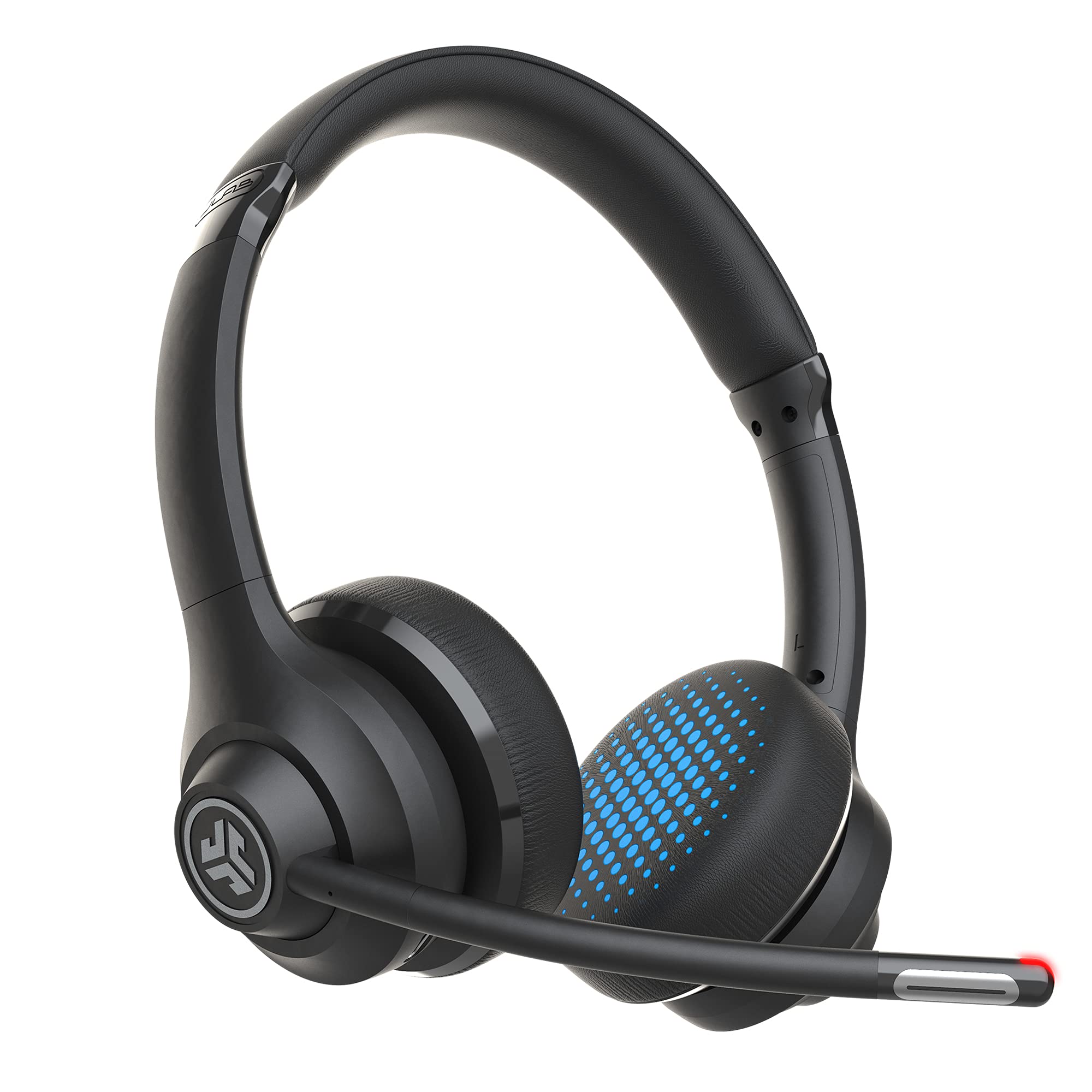
- Connects to two devices simultaneously with Bluetooth multipoint or uses the included USB-C to 3.5mm cable.
- Dual microphones support calls, and the boom mic rotates out of the way for listening.
- Offers 45+ hours of playtime on a charge, Cloud Foam earcups, and on-headset mute and volume controls.
Best Gift For: Remote workers who switch between laptop calls and mobile listening

SABRENT USB-C 6-Port Hub and M.2 SSD Dock
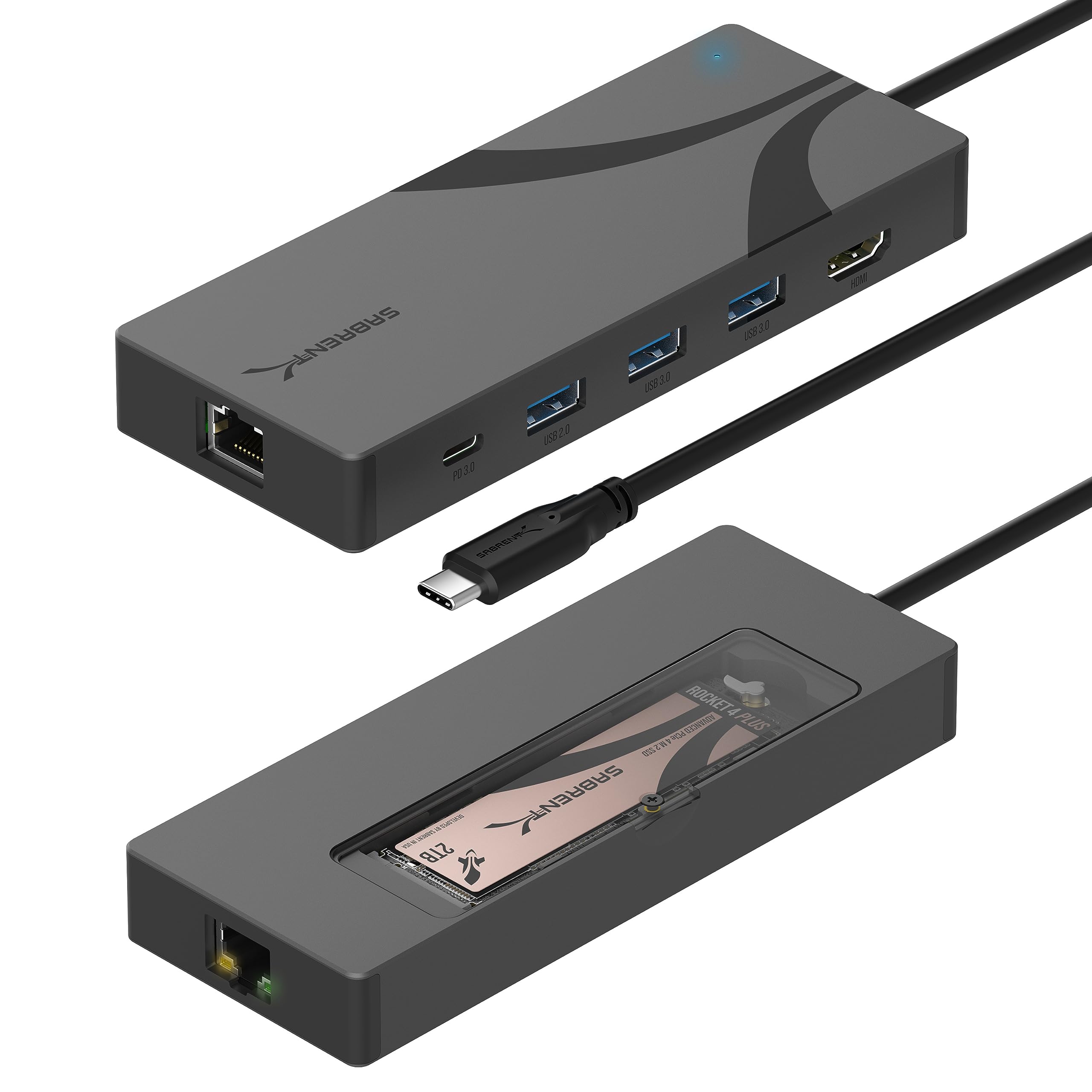
- Combines six ports with an M.2 enclosure for NVMe or SATA drives in 2242, 2260, or 2280 sizes; drive sold separately.
- Includes HDMI for one external display at up to 4K at 60Hz and a Gigabit Ethernet port.
- Passes through up to 90W USB Power Delivery from a separately supplied USB-C charger.
Best Gift For: Laptop users who want more desk connections and expandable storage
HUANUO FlowLift Single Monitor Mount
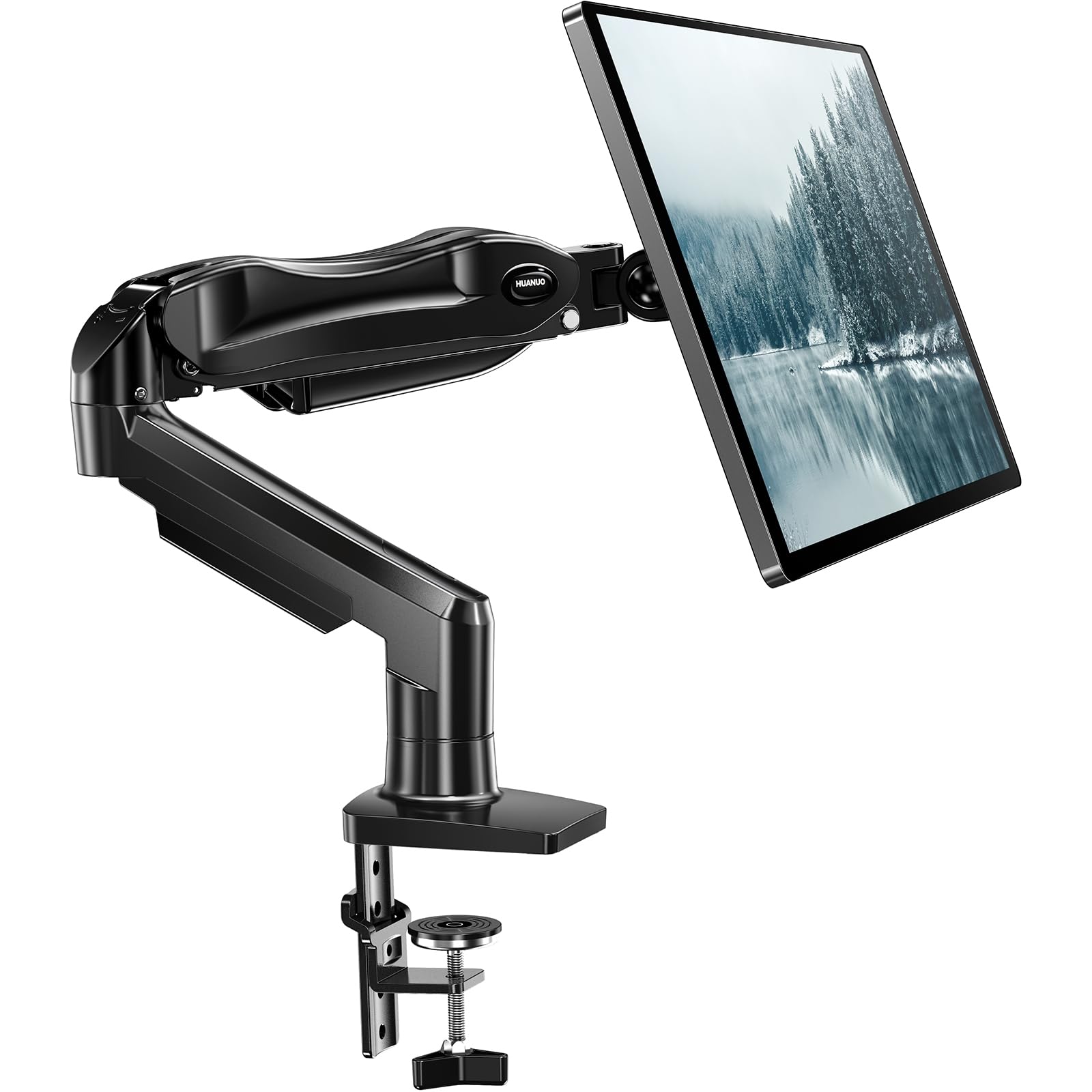
- Fits 13 to 32 inch monitors weighing 4.4 to 19.8 pounds with 75x75mm or 100x100mm VESA patterns.
- Offers tilt, swivel, and rotation adjustments, with the screen lifting up to 39.6cm from the desktop.
- Includes C-clamp and grommet mounting options and the required hardware.
Best Gift For: Desk workers whose monitors fit its stated size, weight, and mounting requirements
FIFINE K669B USB Condenser Microphone
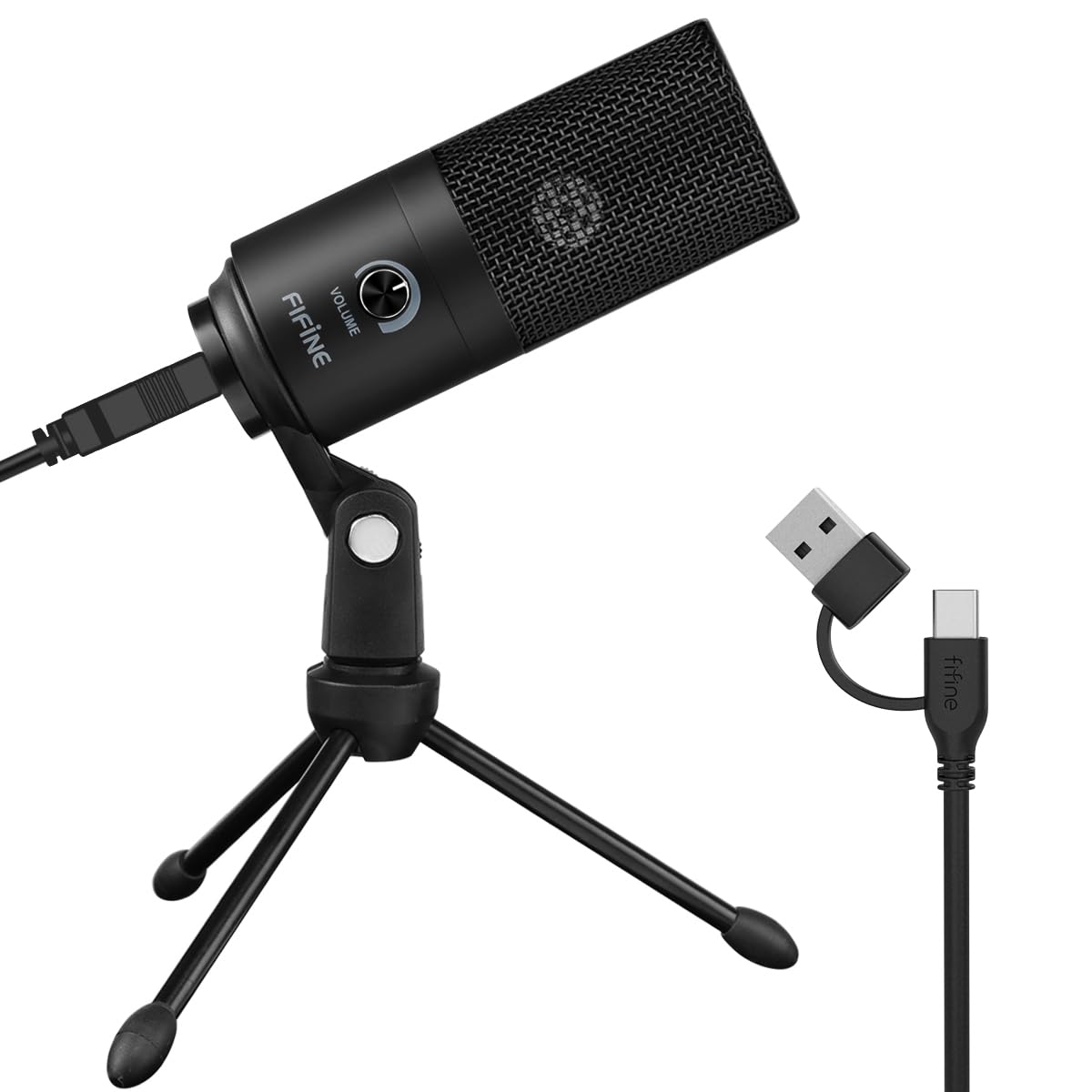
- Connects directly to a USB-A port with the included 5.9-foot USB cable for plug-and-play setup.
- Cardioid pickup focuses on the main voice source, and the microphone has an adjustable volume knob.
- Metal construction and a tripod stand suit a regular desk setup.
Best Gift For: Remote workers who record voiceovers, join meetings, or stream from a computer
TP-Link BE6500 Dual-Band WiFi 7 Router
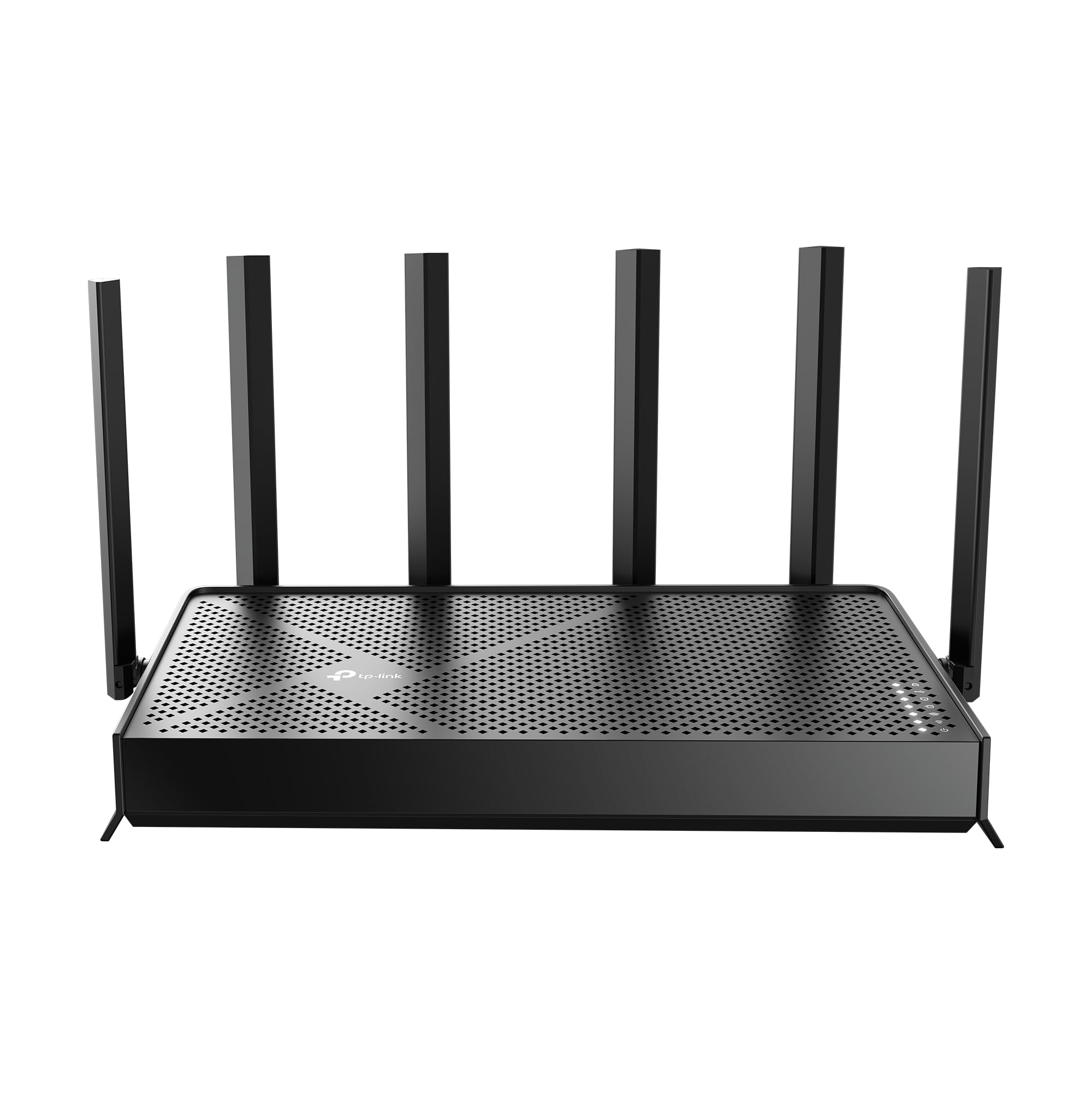
- Features WiFi 7, dual-band connectivity, and Multi-Link Operation.
- Has one 2.5Gbps WAN/LAN port, one 2.5Gbps LAN port, and three 1Gbps LAN ports.
- Supports EasyMesh pairing with compatible routers or range extenders and setup through an app or web interface.
Best Gift For: Households upgrading their network for remote work and connected devices
SteelSeries Apex 3 RGB Gaming Keyboard
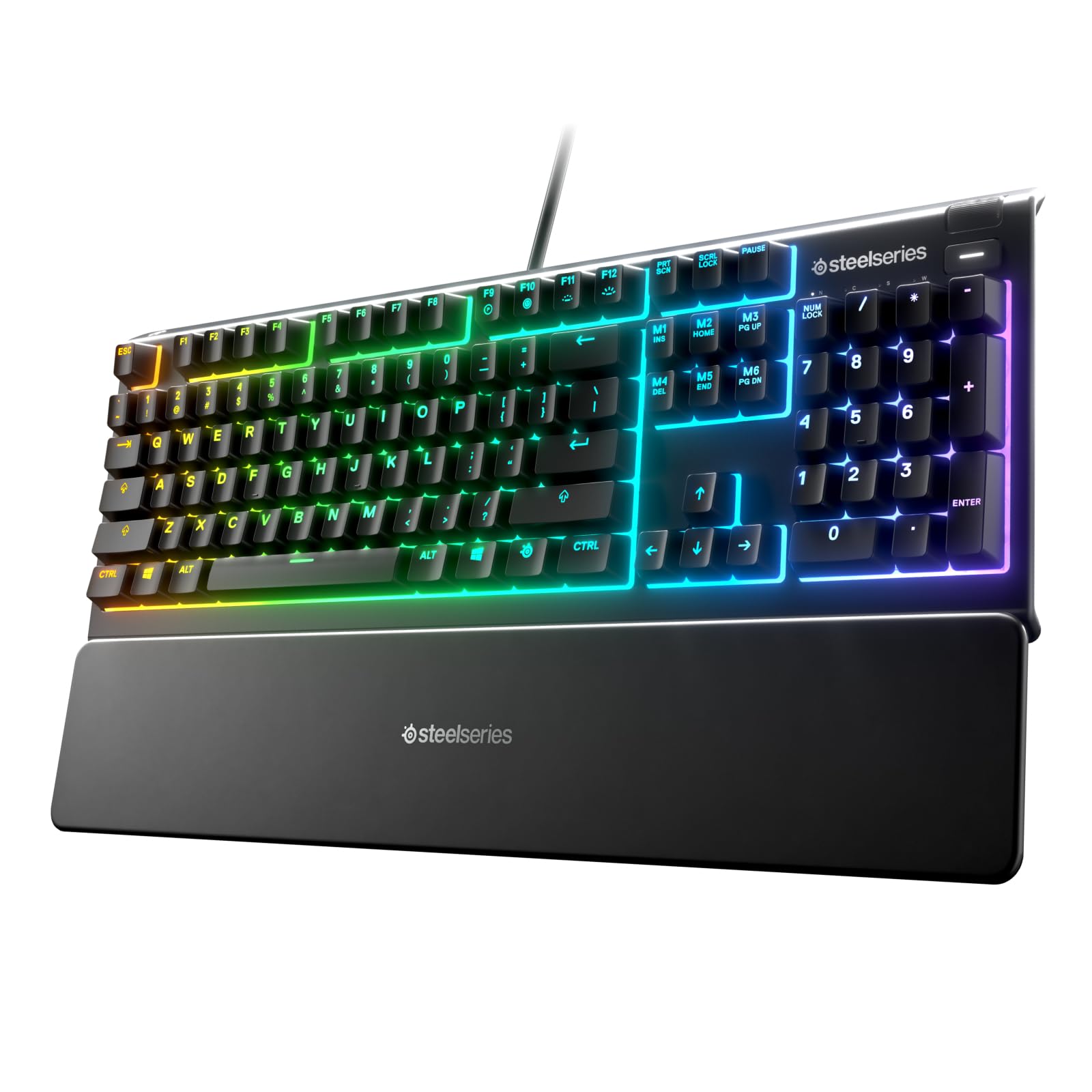
- Whisper quiet switches and 10-zone RGB illumination add typing and lighting options.
- Includes a magnetic wrist rest for palm support and dedicated multimedia controls.
- IP32 water resistance is designed to help prevent accidental liquid-spill damage.
Best Gift For: Remote workers who enjoy quiet typing and customizable desk lighting
Audioengine A2+ Wireless Computer Speakers
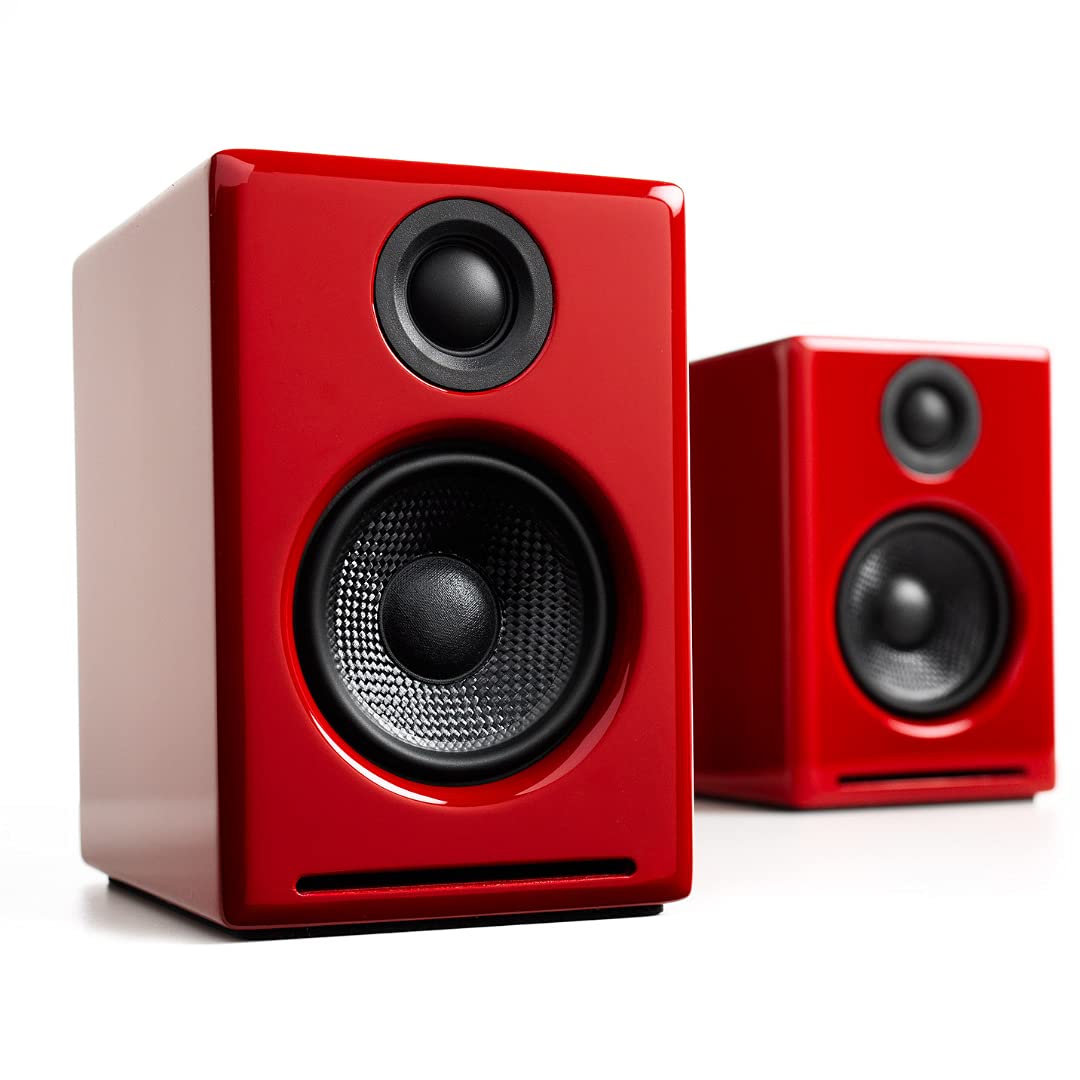
- Compact powered speakers are designed for nearfield desktop listening.
- Connects by USB-C, RCA, or 3.5mm AUX, or streams wirelessly over Bluetooth 5.3 aptX-HD.
- Includes a 24-bit DAC and real wood cabinets.
Best Gift For: Music and podcast listeners who want powered speakers for their desk
Nulaxy Pull-Out Height Adjustable Laptop Stand
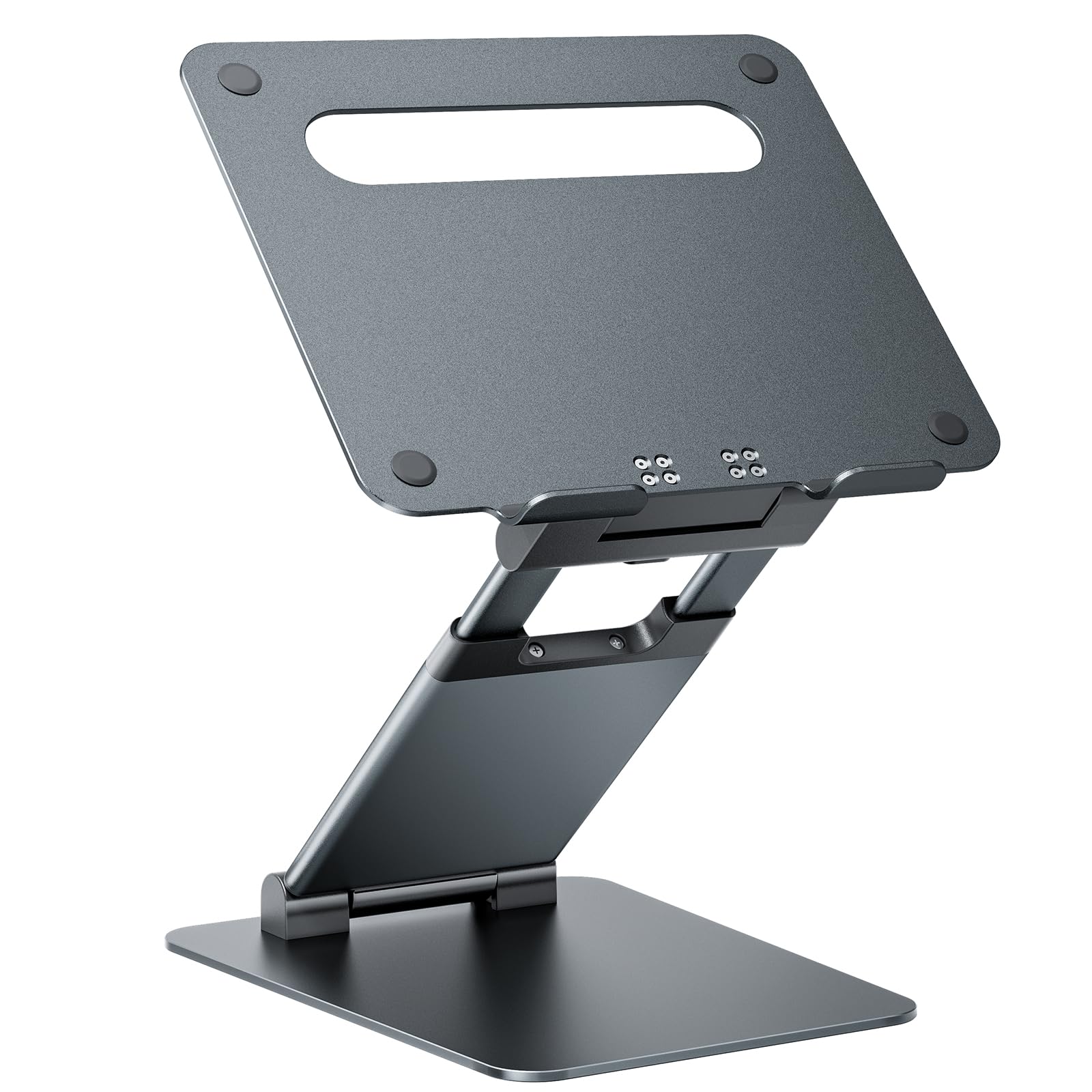
- Fits laptops from 10 to 17 inches and supports up to 22 pounds.
- Adjusts in height from 1.2 to 20 inches and folds for storage.
- An aluminum panel with ventilation holes and rubber pads supports a stable desk setup.
Best Gift For: Laptop users who want to change screen height while working at a desk
Sleek Socket Flat Outlet Concealer and Extension Cord Kit
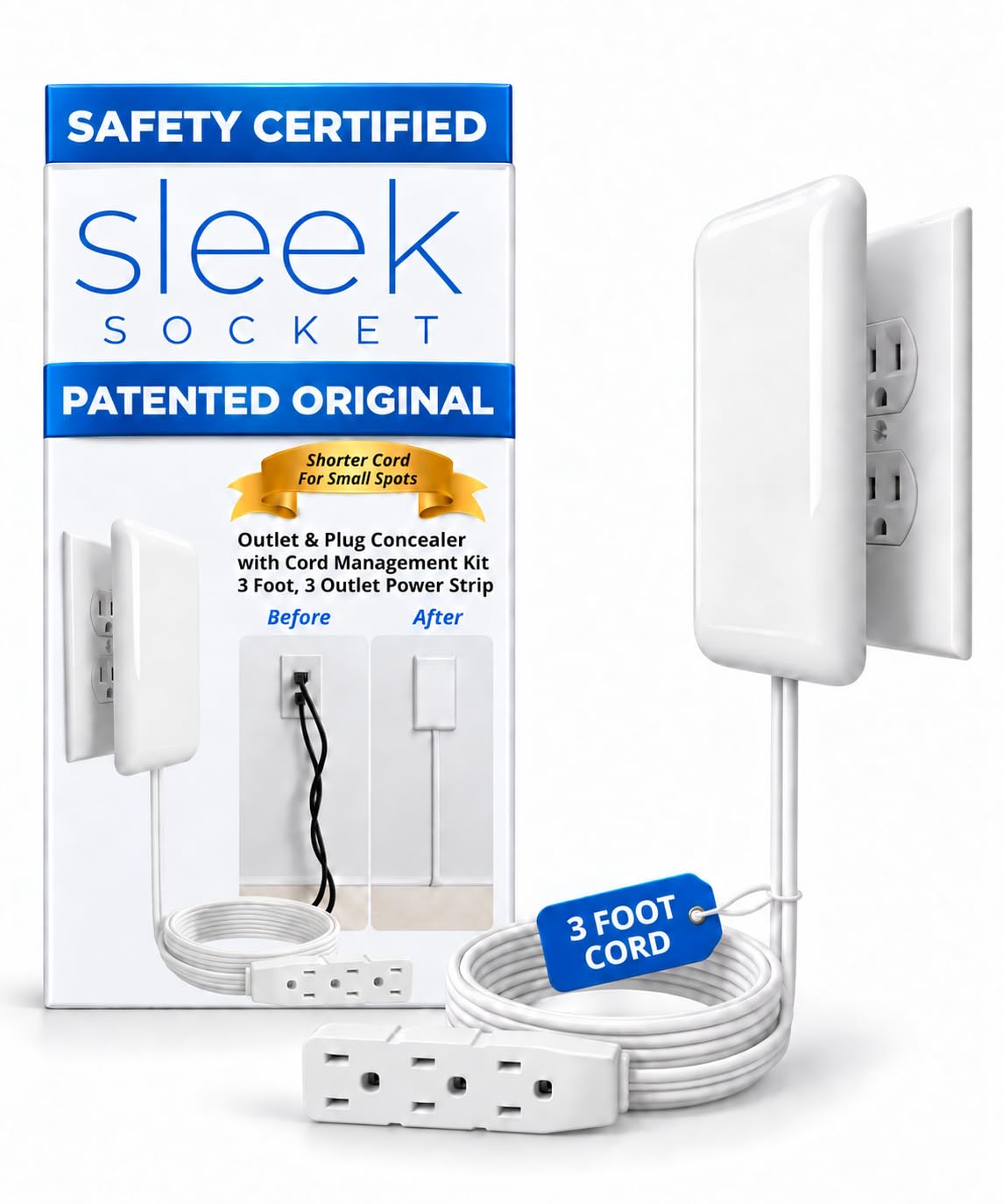
- A flat 3-foot cord and outlet concealer help keep plugs and cables close to the wall.
- Includes a 3-outlet power strip and removable adhesive cord clips.
- Attaches to a standard duplex outlet without tools.
Best Gift For: Someone organizing cables behind furniture or in a compact office
SABRENT SuperSpeed 2-Slot USB 3.0 Card Reader
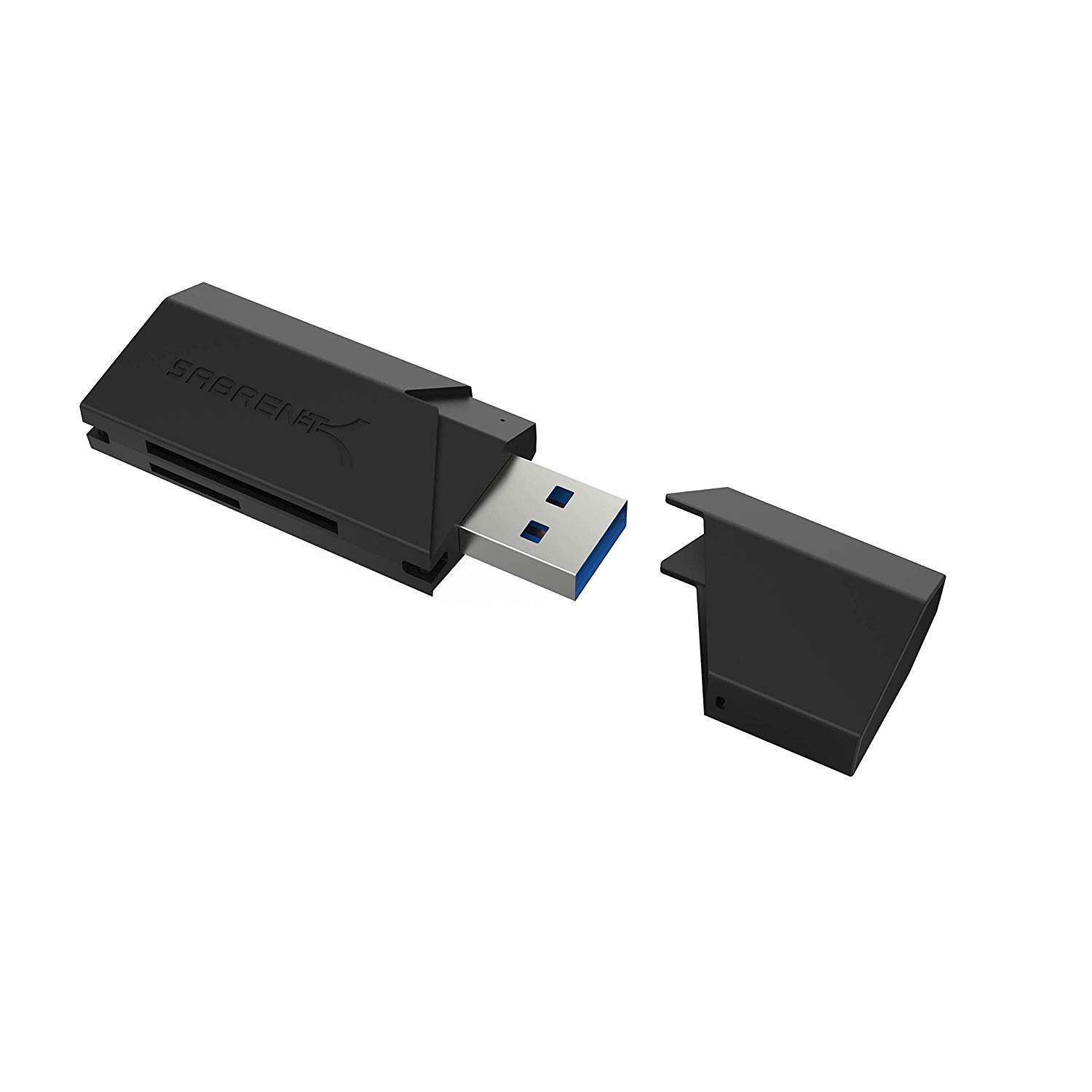
- Supports SD, SDHC, SDXC, MMC, MicroSD, and T-Flash cards.
- Connects through USB 3.0 and is backward compatible with USB 2.0 hosts.
- Draws power from the USB port and needs no separate power supply or installation.
Best Gift For: Someone who transfers files from supported memory cards to a computer
MAONO Wave T5 Mini Magnetic Wireless Lavalier Microphone
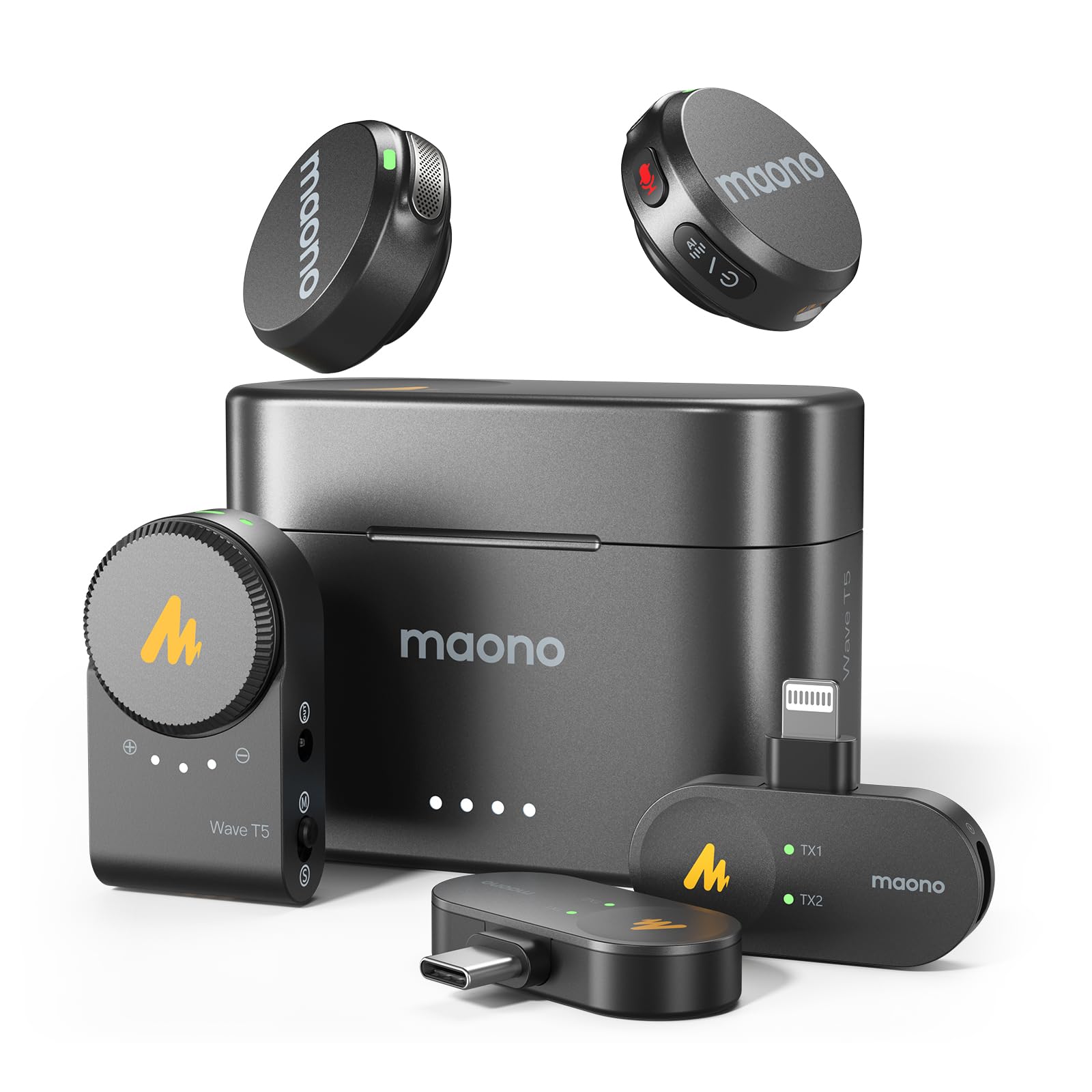
- Records at 48kHz/24bit and includes AI noise cancellation with adjustable modes and levels through the Maono Link app.
- Offers four voice filters and separate noise-reduction and mute buttons.
- Each transmitter lasts up to 9 hours, with 40 hours total use from the charging case.
Best Gift For: Remote workers who record videos, teach online, or create podcasts
LISEN 3-in-1 Travel Power Bank with Wall Plug
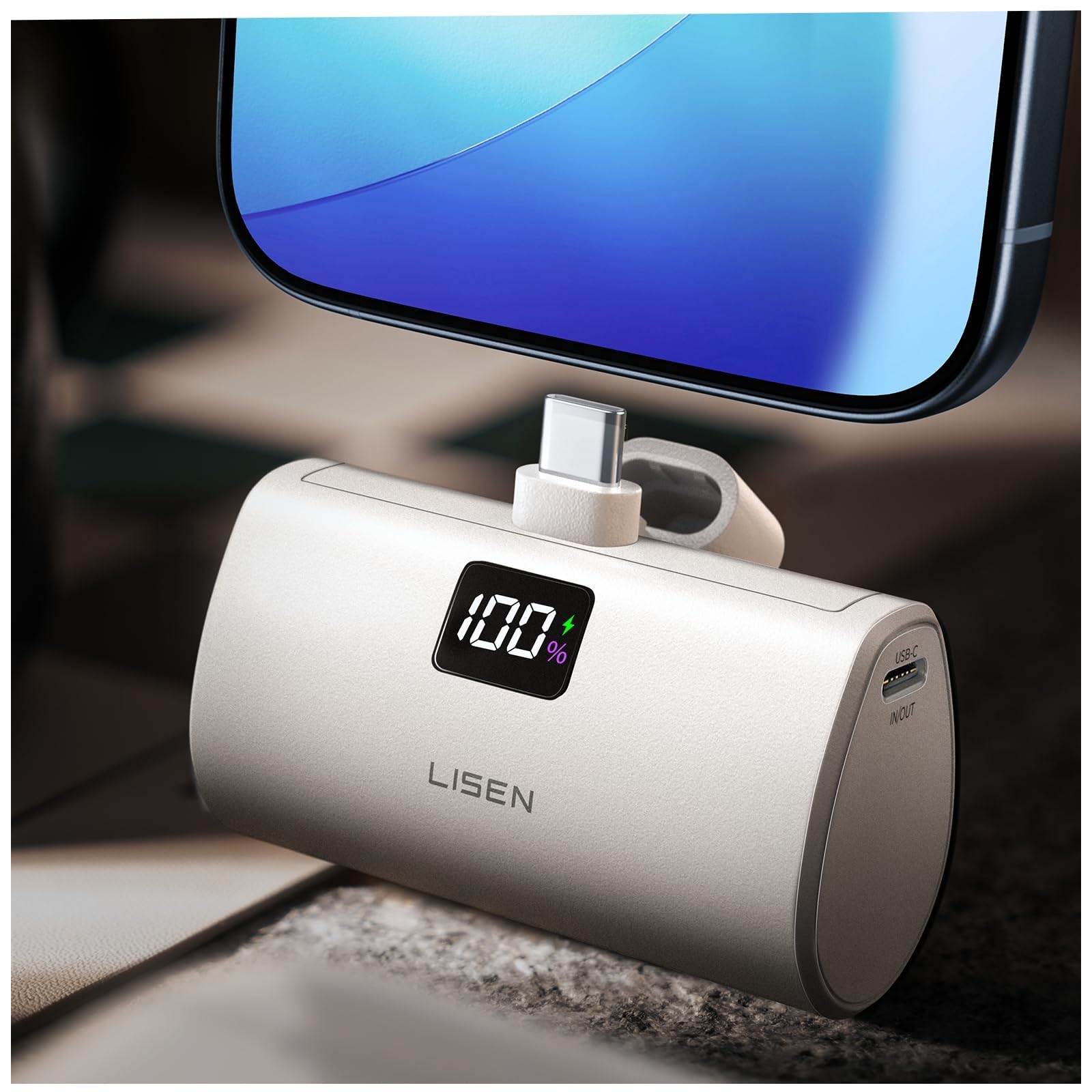
- Combines a wall plug, portable power bank, and built-in 3.3-foot cable.
- Has 7000mAh capacity and supports up to 35W charging from the wall plug and up to 30W as a power bank.
- The built-in cable is designed to reduce the need to carry a separate charging cable.
Best Gift For: Someone who takes a phone between home, work, and travel
Phomemo D30 Bluetooth Label Maker with 3 Tapes
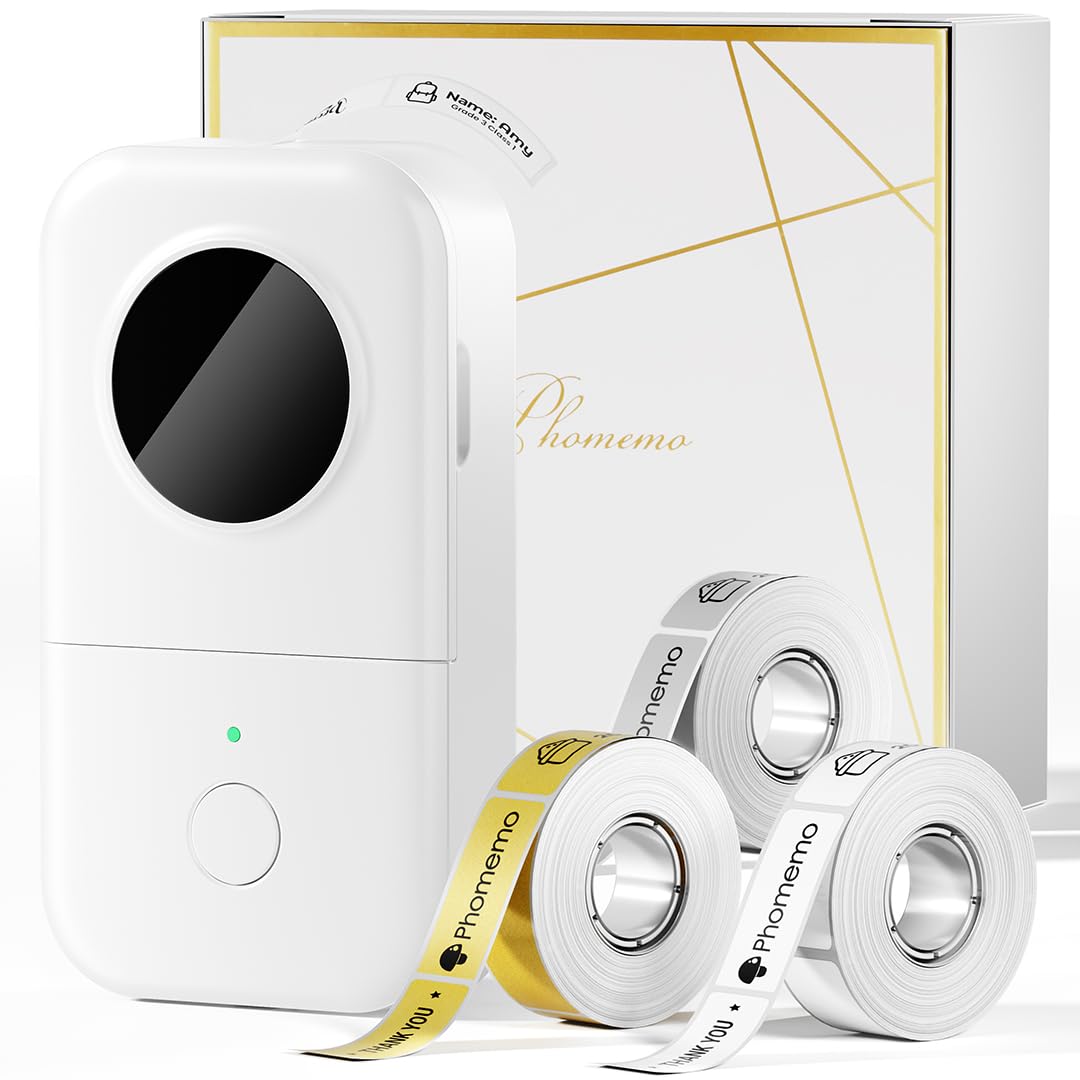
- Includes three tapes: white, gold, and clear.
- Prints monochrome text using direct thermal printing, without ink, toner, or ribbons.
- Connects over Bluetooth to mobile devices and offers templates, symbols, frames, and fonts through its app.
Best Gift For: Someone who labels cables, files, supplies, and storage around a home office
Choosing home office tech gifts for their routine
Start with the part of the workday that could use a little help. A person who spends hours on calls may appreciate a headset or microphone, while someone whose laptop is always short on ports could get more use from a hub.
Think about the recipient’s actual devices and habits before choosing a more involved upgrade.
For home office tech gifts that change a desk setup, check fit and compatibility first. Monitor mounts depend on screen size, weight, and mounting pattern, and stands need to suit the laptop and desk.
For hubs and card readers, confirm the computer’s ports and the storage formats the recipient uses. A practical gift works smoothly with what they already own.
Listen for small clues in conversation: a crowded desk, tangled cords, a screen that sits too low, or a wish for better sound during meetings. These everyday annoyances can point toward a useful gift without requiring you to guess at their preferred brand or work style.
When uncertain, favor a simple accessory that solves a problem they have mentioned.
Balancing the budget with useful upgrades
Set a comfortable budget before comparing upgrades. Small accessories can be thoughtful on their own, while a router or speaker set is a more substantial gift that may make sense for someone who has already talked about improving the household setup.
Check current prices as you shop, since they can change.
A lower-cost item can be especially useful when it fills a clear gap, such as helping someone read memory cards or keep cords organized. For larger purchases, consider whether the recipient will need other equipment to use the gift.
A hub with an internal drive enclosure, for example, does not include the drive, so account for that extra purchase if storage is the main reason for choosing it.
Avoid treating a feature list as a reason to buy more than the recipient needs. Someone who makes occasional calls may not need a specialized recording setup, while a frequent video creator might value controls and wireless flexibility.
Match the gift to their routine, then compare the current price and included accessories.
Personalizing home office tech gifts
Personal touches can make home office tech gifts feel considered even when the item itself is practical. Pair a desk accessory with a short note about the routine it supports, such as a calmer start to calls or a workspace that is easier to reset at the end of the day.
Keep the message warm and specific to the recipient.
If you are choosing an item that connects to a device, discreetly check compatibility before wrapping it. Confirm the available ports, operating system, monitor mounting pattern, or phone connection as relevant.
For a router, think about whether the household is ready to replace its current network equipment and who would be comfortable setting it up.
Presentation can suit the recipient’s style: keep packaging simple for someone who values a tidy desk, or add a small handwritten card explaining why you picked the item. Avoid assuming a favorite color or workspace aesthetic.
A useful accessory paired with a personal message is enough to make a practical present feel intentional.
Making a practical gift feel complete
Some desk upgrades work best as part of a small bundle. A card reader can accompany a note about organizing project files; a microphone can be paired with a cable tie or a handwritten checklist for a new recording corner.
Keep add-ons modest and verify they fit the recipient’s devices before buying them.
Pay attention to what is included and what must be supplied separately. A storage dock may need a compatible drive and charger, while a computer accessory may require a matching port.
For a monitor arm or laptop stand, check the desk space and product dimensions so the gift has a sensible place to live.
If you are shipping directly, choose presentation options that preserve a clear gift message and include a gift receipt when available. For an in-person exchange, avoid opening or installing equipment on someone else’s computer without their say-so.
Let them choose when and how to set it up.
Last-minute home office tech gifts shopping
When time is short, focus on familiar devices and simple setup. A USB accessory is easier to judge when you know the computer has the right port, while a laptop stand or cable organizer may need fewer software decisions.
Check current product details, dimensions, compatibility, and delivery estimates before placing an order.
Do not assume an item will arrive by a particular date. Review the delivery estimate for the recipient’s address, and consider a local option or a gift note if timing is uncertain.
A thoughtful message explaining the intended use can make a delayed physical gift feel considered without promising a delivery date.
For a larger network or monitor upgrade, last-minute shopping leaves less time to confirm fit. If those details are unclear, choose a simpler accessory or give a card describing the upgrade you would like to help them select together.
That keeps the gift personal and gives the recipient room to choose what works in their home office.